I released an update for Sparrow (BLAKE2b) HERE. This one fixes logic that transmitted your transaction to public nodes that are explicitely on the SHA256 chain, guaranteeing a replay if not protected (though replay is already typical in that scenario, and most people running this are connecting to their own server, so this isn’t as critical as it sounds). This version also now only shows “Replay protected” if the signature has been checked. And it now estimates the USD price from Neoxa, and converts to other fiat currencies as configured.
5 Likes
A little help if you could
How to configure servers to my own Start9 Knots node or Fulcrum server?
MacOS
Start9 OS 0.4.0
The simplest setup is to have your main node switched to Bitcoin Knots pre-RDTS so it is on the SHA256 chain. Then install these apps from my registry:
Bitcoin Knots (BLAKE2b) Companion
Electrs Pruned
Mempool Pruned
Configure both Electrs Pruned and Mempool Pruned to connect to Bitcoin Knots (BLAKE2b) Companion (Actions & Config > Select Node, and pick the correct one from the dropdown).
Configure Mempool Pruned to use Electrs Pruned for its Indexer (Actions & Config > Select Indexer)
Add an onion service to Electrs Pruned (in the Interfaces section)
Leave Electrs Pruned and Mempool Pruned stopped. Start up Bitcoin Knots (BLAKE2b) Companion and wait for it to complete the IBD.
Once the IBD is done, start up Electrs Pruned, and wait for it to complete indexing.
Once indexing is complete, start up Mempool Pruned.
On Electrs Pruned, copy the onion address
Launch Sparrow BLAKE2b, go to Settings > Server and paste in the onion address. Then click on Test Connection.
2 Likes
You can. If you add an onion address to Fulcrum, connect Sparrow BLAKE2b to that.
I meant for folks who are following both chains (looks like you are all in on the BLAKE2b chain)
1 Like
Yes. All in on node 2. Node 1 is still setup on the SHA256 chain.
Gotta dig into adding an onion address to Fulcrum then.
Thanks
1 Like
Ah, yes, two servers is the best setup actually (everything is cleanly separated and you don’t mix things up and forget what’s connected to what). For adding an onion address, go to Interfaces section. I think the item is SSL (can’t recall off hand). Click on the interface, and there should be a Tor section. If you don’t see the Tor section, then install Tor from the Start9 registry and make sure it is running. In the Tor section, use “Add onion service”, and make sure SSL is enabled (it should be by default). Then copy that address and add it in Sparrow BLAKE2b via Settings > Server.
1 Like
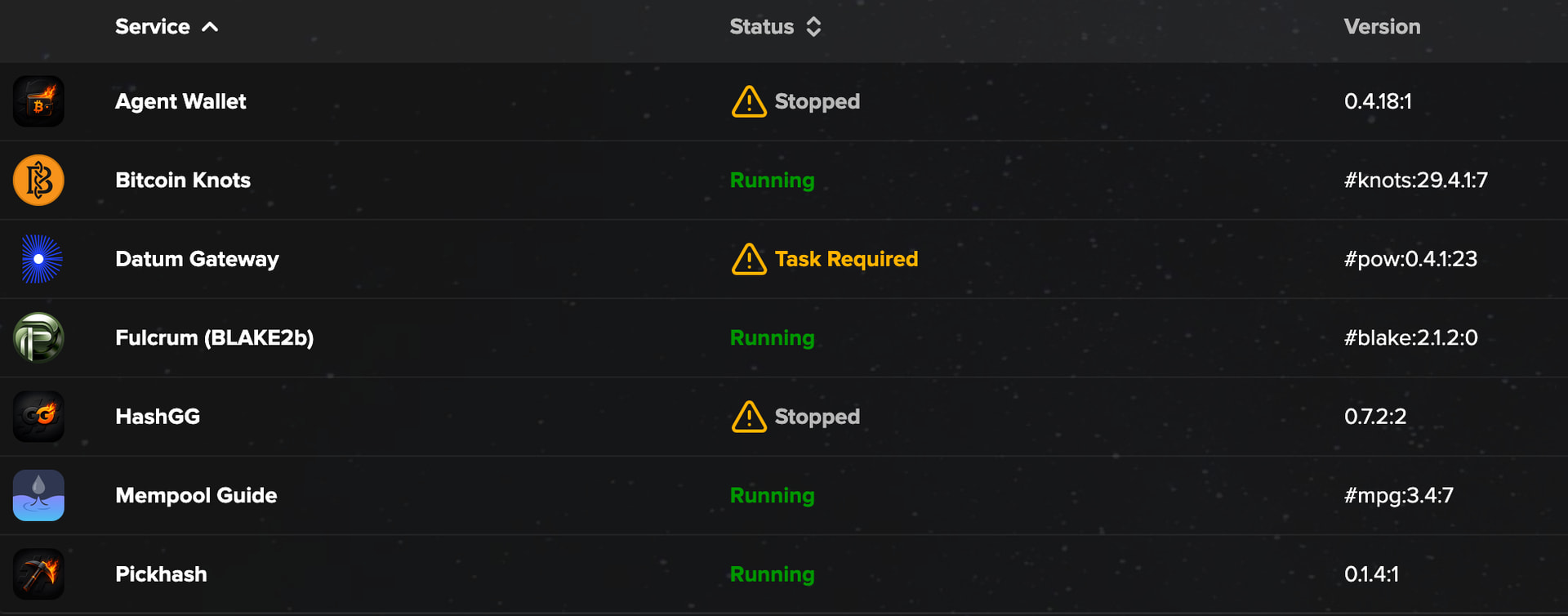
I am certain that knots:29.4.1:7 is the Blake2b chain…yes?
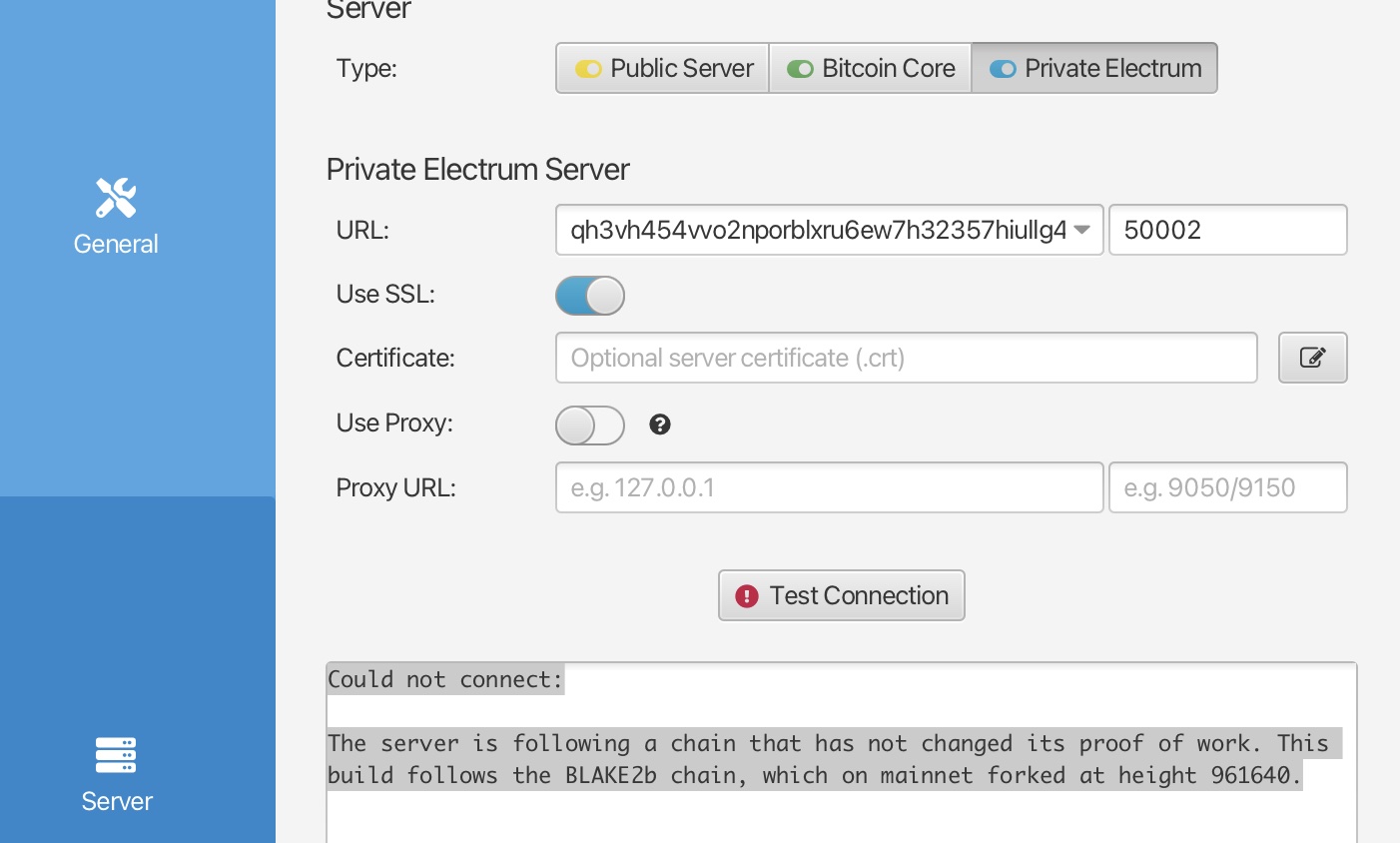
Could not connect:
The server is following a chain that has not changed its proof of work. This build follows the BLAKE2b chain, which on mainnet forked at height 961640.
One day I will get to take my training wheels of again.. 
Should be. Are you on Sparrow (BLAKE2b) version 2.5.5-blake2b.6?
1 Like
Nope…I was on 2.5.5 but now on 2.5.5-blake2b.6 . Seems to be working fine now. Working perfectly. Thanks
1 Like
Should your Fork of Sparrow 2.5.5-blake2b.6 show incoming transaction?
I am testing an address generated by the wallet with CONVOY. I’m doing this because the address is not showing up in Convoy/My Stats
I just used MUNN to do a submarine swap to a receive address generated by your fork. Mempool shows the transaction but Sparrow/Transaction does not recognize the transaction incoming.
Shouldn’t transaction sense and incoming payment?
EDIT: Sparrow is using my Fulcrum (BLAKE2b) over Tor
Yes it should. Is the blue connected indicator showing on the bottom-right corner?
But, you mention doing a submarine swap, which implies the transaction was transmitted on the SHA256 network. That will only appear on the BLAKE2b chain if all of the inputs to that transaction are valid on the BLAKE2b chain.
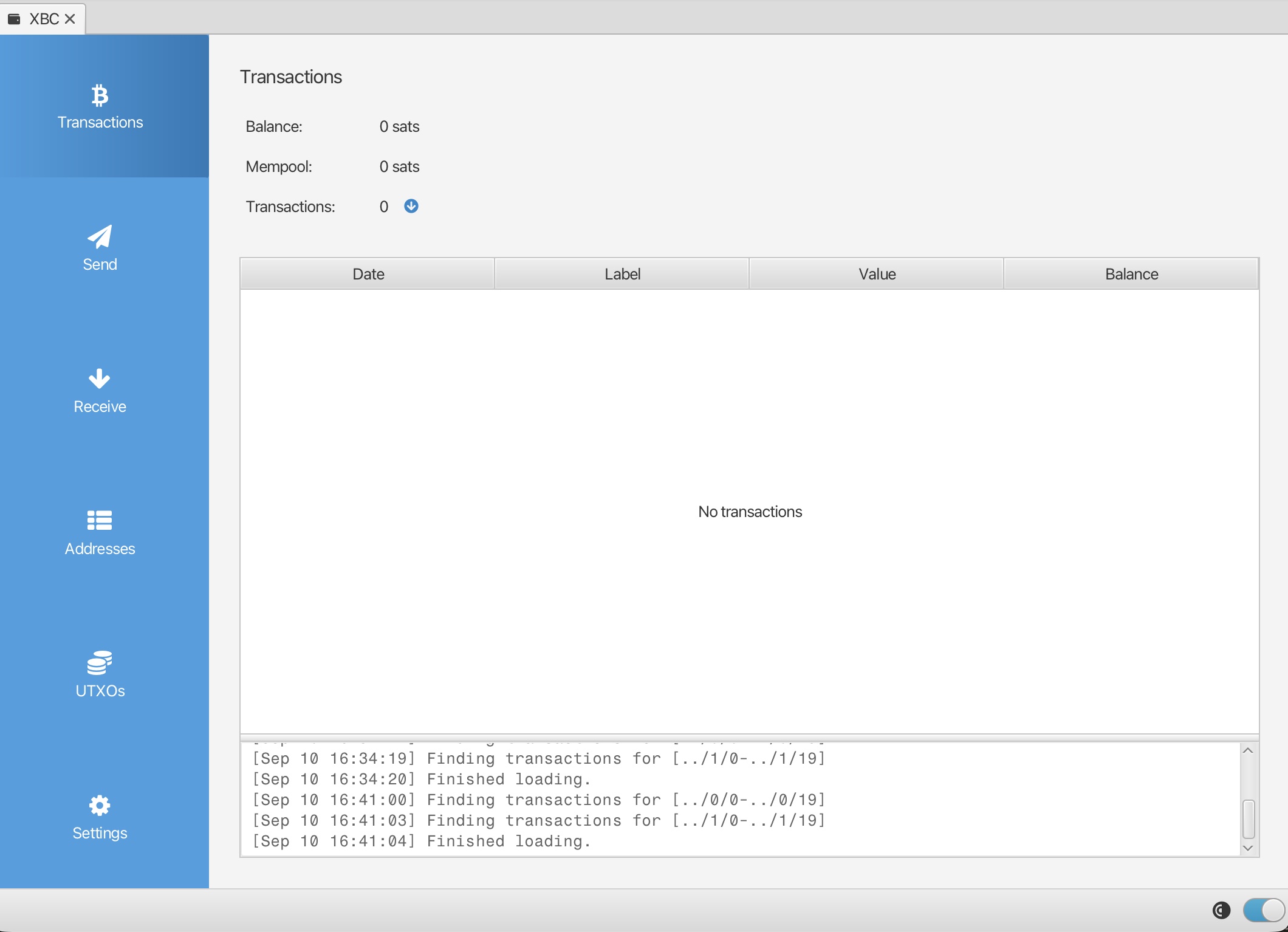
Yes, its connected. Can you send me the transaction ID? DM it if you don’t want to post it here on the public thread. I can check all the inputs to see if they are valid on the BLAKE2b chain or not.
OK I sent it to a DM
One of the inputs that created this transaction was itself created today 2026-09-10 (i.e. after the chain split), so it is not valid on the BLAKE2b chain. The send is confirmed on the SHA256 chain (so you can import the same wallet into vanilla Sparrow to see your sats), but it will not go into your wallet on Sparrow BLAKE2b since it is not a valid transaction on the BLAKE2b chain.
Actually, that in and of itself doesn’t mean the transaction is necessarily invalid on the BLAKE2b chain. What would be the deciding factor is if any of that transaction’s ancestors were invalid (or if they were confirmed during the period where the chain was stalled and some transactions got dropped from everyone’s mempools, and thus the new chain isn’t aware of them). It is unfortunately a bit difficult to manually trace exactly where a transaction’s ancestry would exclude it from the new chain (a tool for this could probably be built). One way to do it is to open a Mempool instance on the SHA256 chain and one on the BLAKE2b chain, and see if the latter knows about a transaction or not. If not, you can go one level back and check, then one more level back, etc. The number of inputs tends to double each step, though, so it becomes very tedius to follow through.
Yep. Did that. Mempool.spaces saw the transaction my Memepool (Blake) didn’t.
Managing 2 nodes is going to be tricky…and I should have thought through what I was doing. Munn is operating on Core chain and I knew that. Took my Lightning sat payouts from OCEAN before the split and put em on the Core chain split. Live and learn.
Reason I did that is because of what I mentioned here Having curiosities why CONVOY pool doesn’t recognize the Sparrow/ Blake address.
I had my LLM analyize my two mempools for the two chains. According to its analysis, it looks like the scenario here is the one where it was dropped from everyone’s mempools during the chain stall. (redacted) was the first transaction in the ancestry which didn’t get confirmed on the BIP-110 side of the chain split. It’s input was (redacted) which is confirmed on both chains.
(sent you the actual TX IDs via DM)