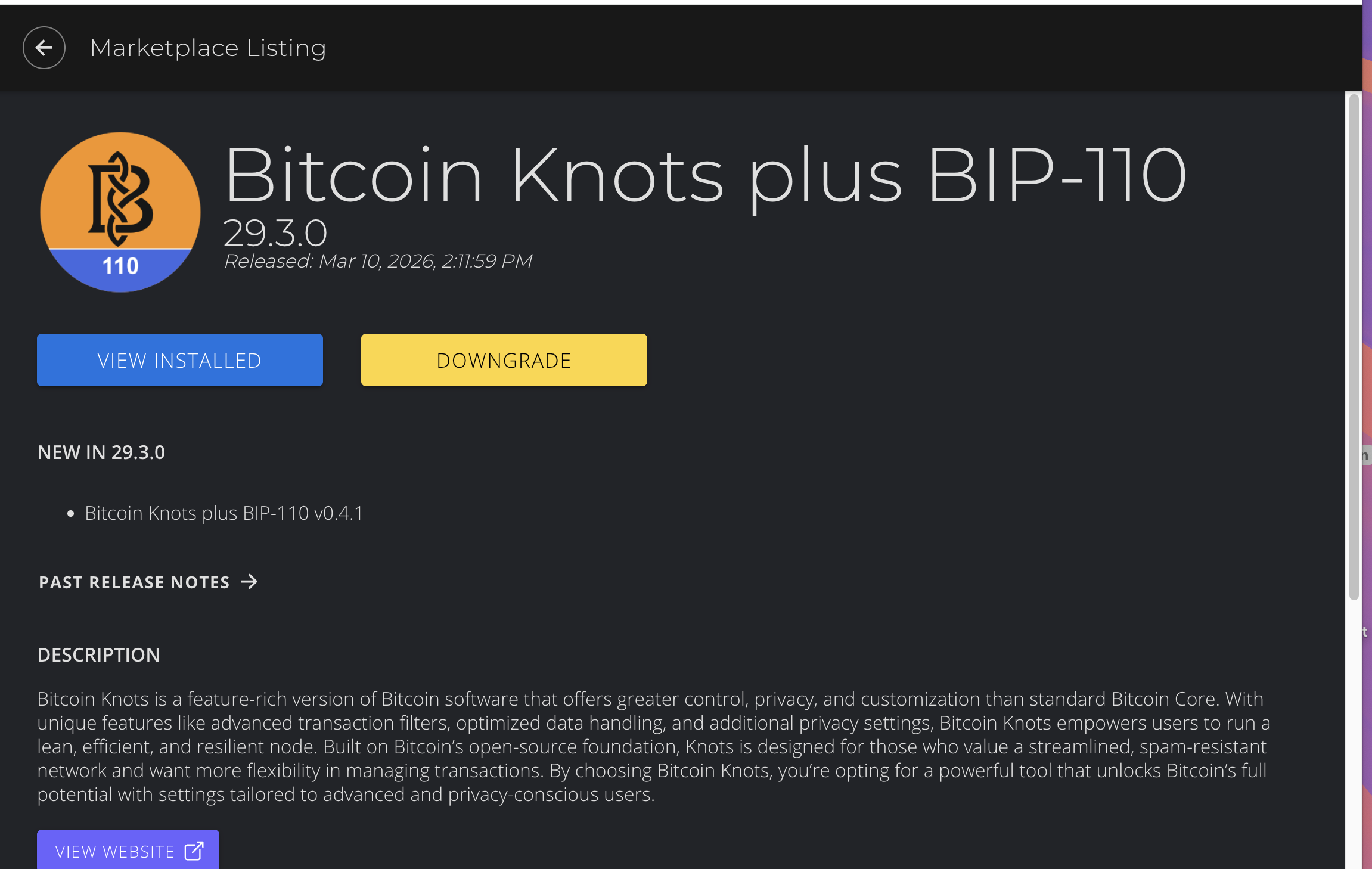
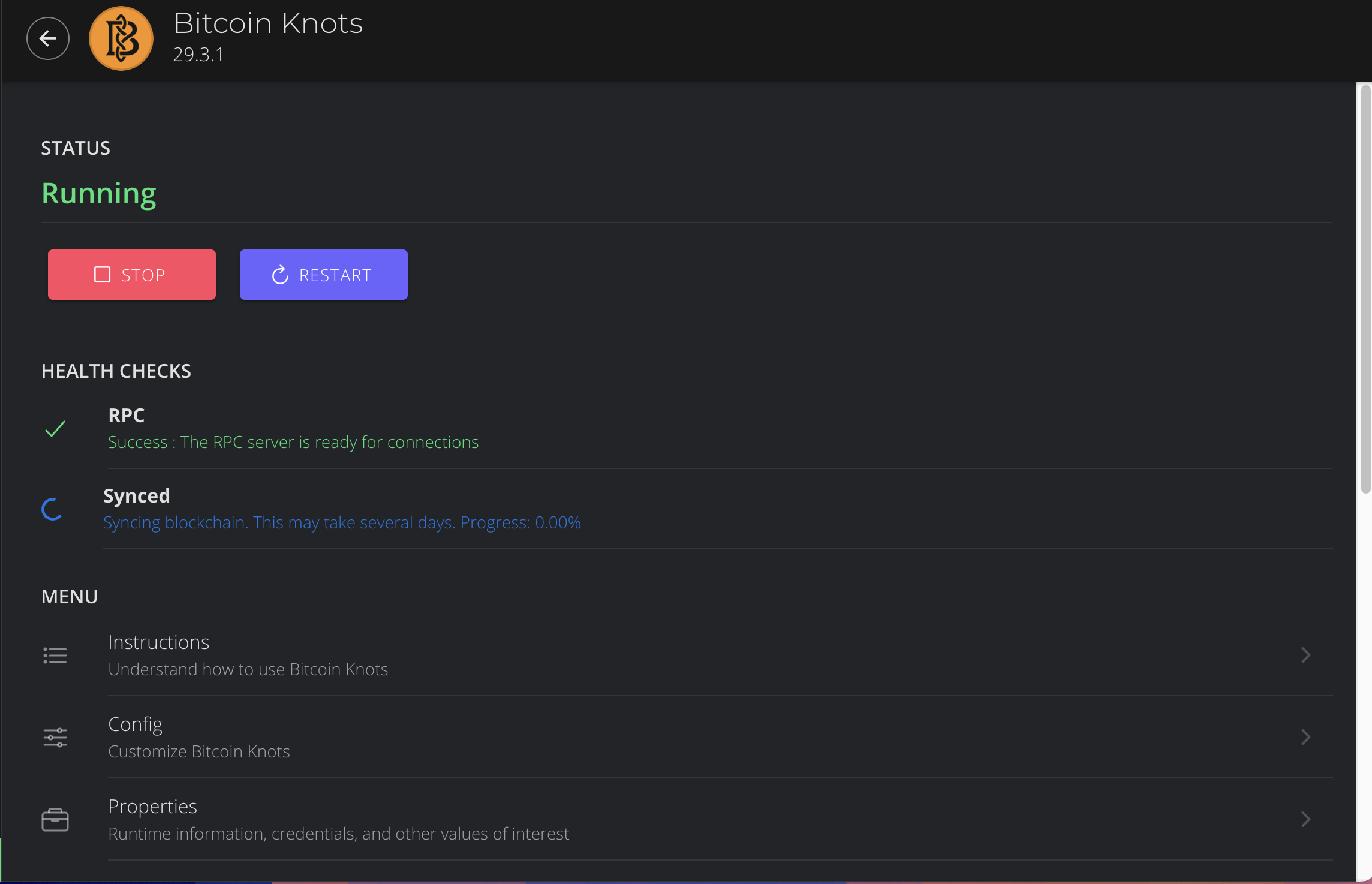
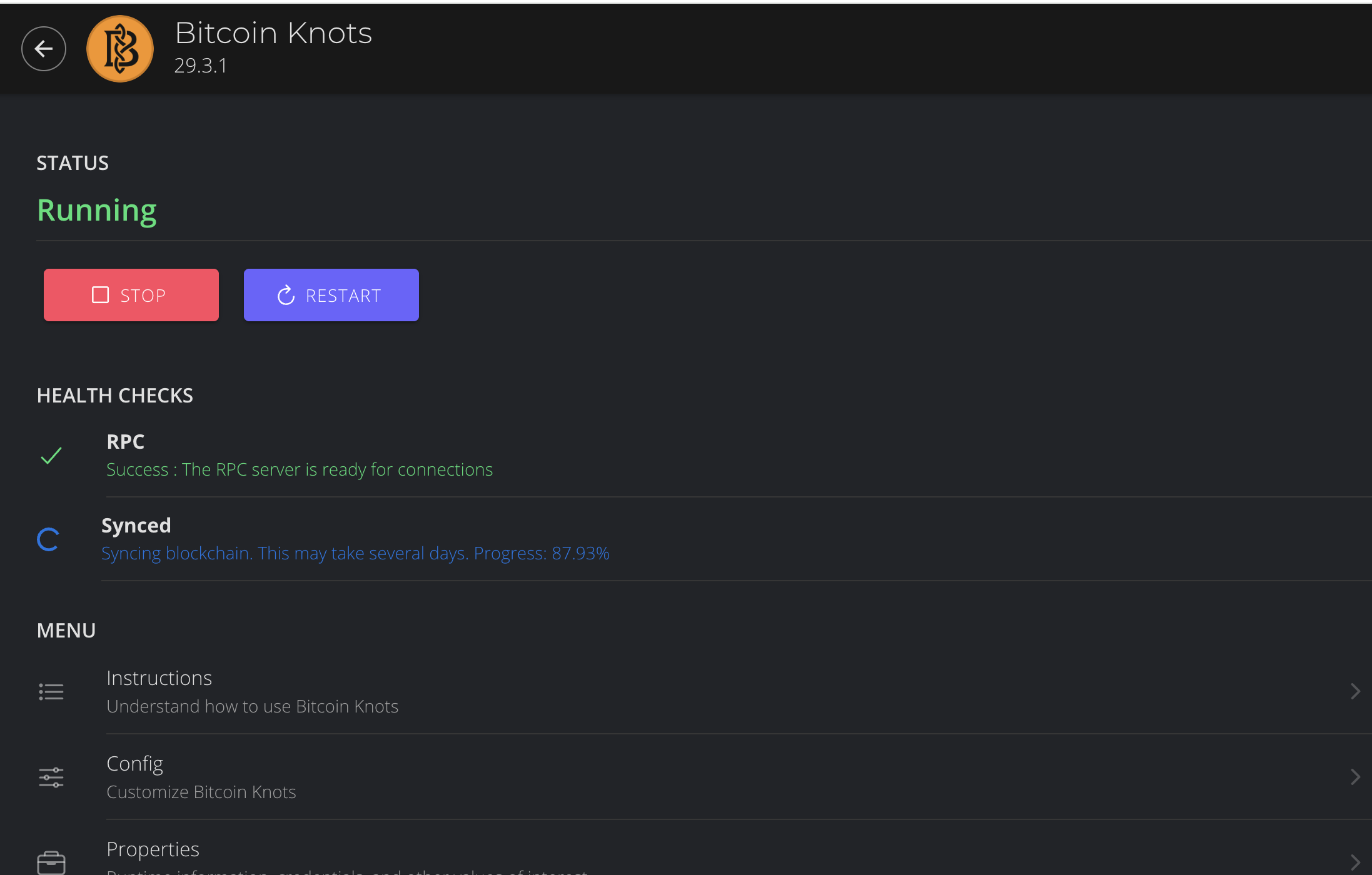
I had my node up and running for about 6 months but then had to take it offline because of work being done at the house. When I recently tried to connect it again, it is not connecting. I’m using Start 9. Paul helped me construct a DIY version of this and it was working great. I even hooked up a bitax and connected it. All was working great. My node appears to be on and when I open up Star 9, it shows connected in the bottom left of the screen. However, Bitcoin knots + BIP - 110 and electrs doesn’t fully connect - it just spins around and fluctuates between ‘starting’ & ‘running’. Mempool is also not working. Can anyone help me figure this out? Thanks, Bob
If I was you, I’d stop the Bitcoin Knots app and then move the data directory that contains the blockchain. Then you can uninstall Bitcoin Knots and reinstall. Once it’s reinstalled, you can stop it again, move the data directory from before over into the new Bitcoin knots data directory (overwriting the one that the new app install created) and start Bitcoin Knots again. Give it some time to catch up to where the blockchain is now and then everything else should work fine.
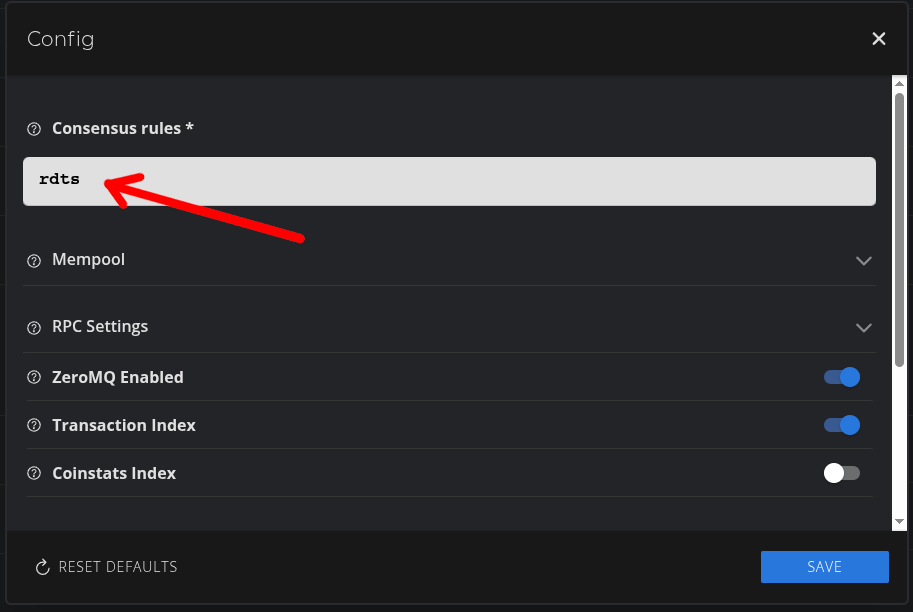
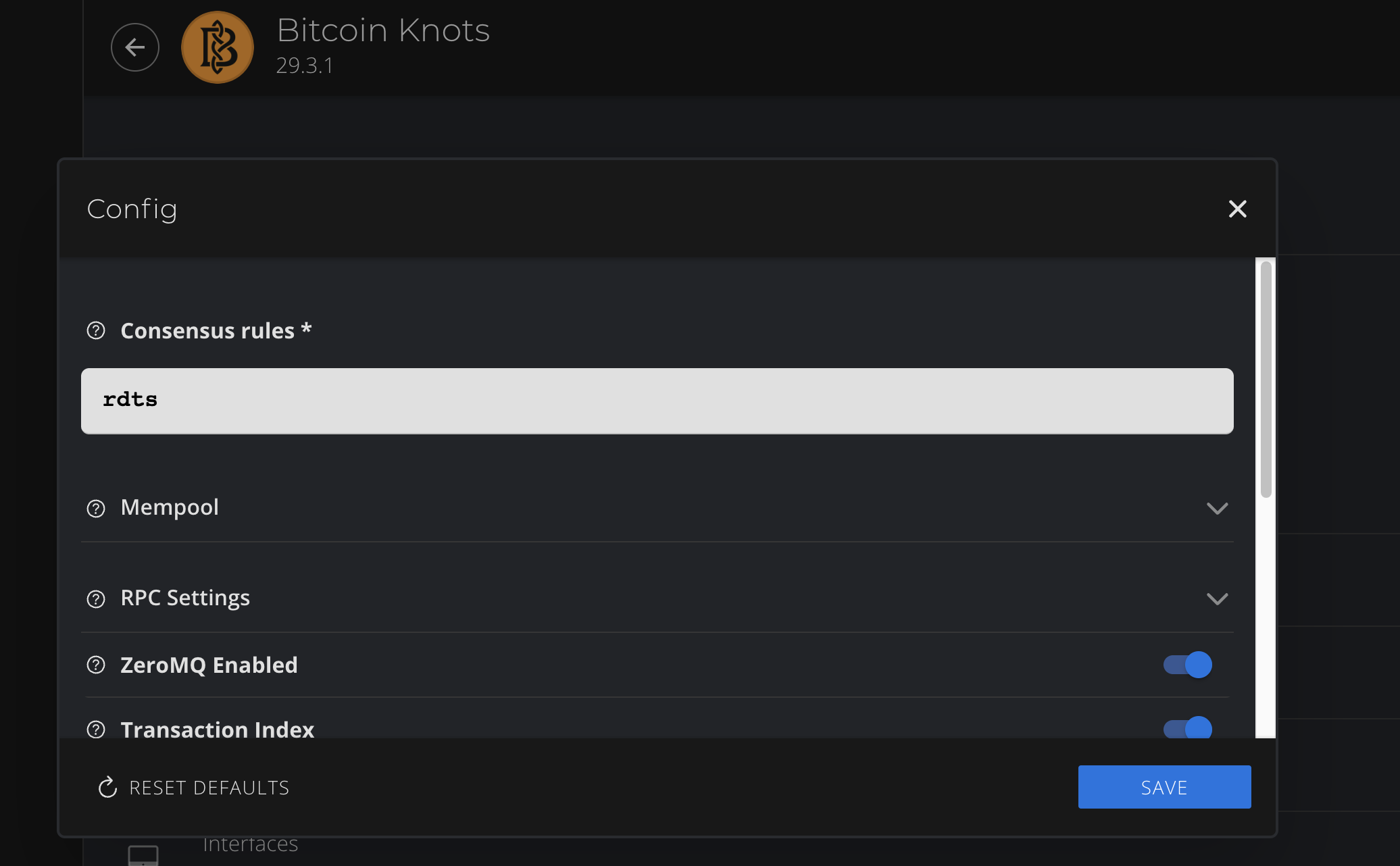
It appears that the “Consensus rules” field was left blank. You need to type in “rdts”, then save the config. This is intended to make sure you understand that you are opting in to BIP-110 / RDTS
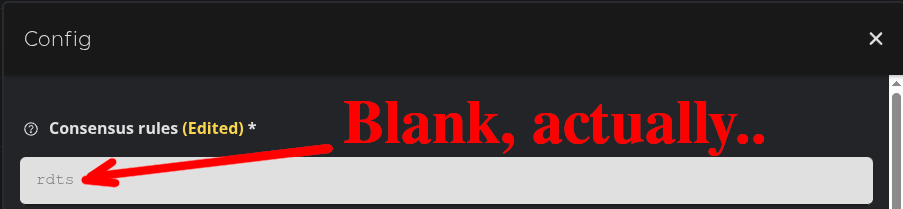
Unfortunately, the hint for this field is also “rdts”, so it may look like you have already typed it in if the field is blank, but it will be a lighter color. Make sure you have actually typed it in, then save.
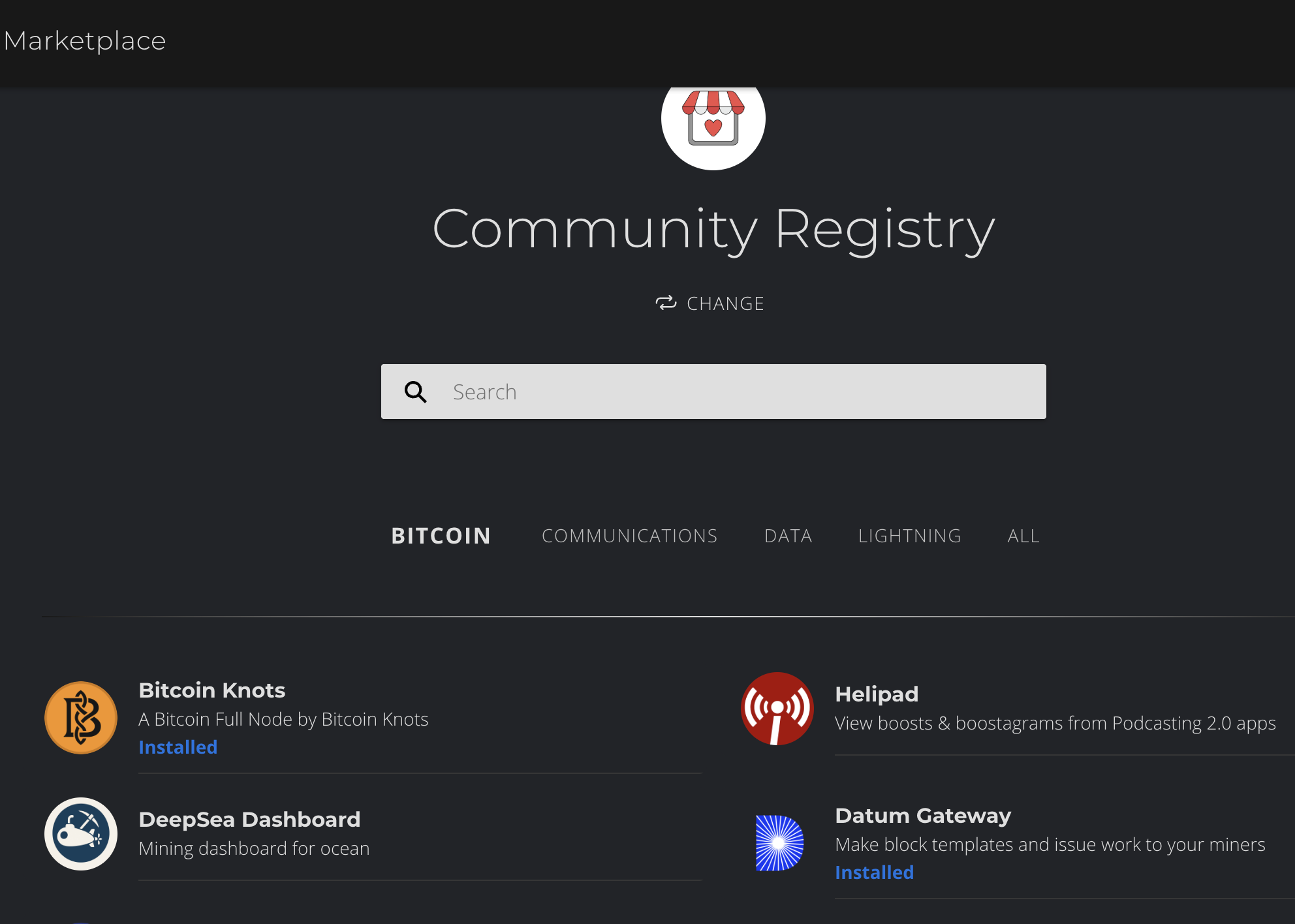
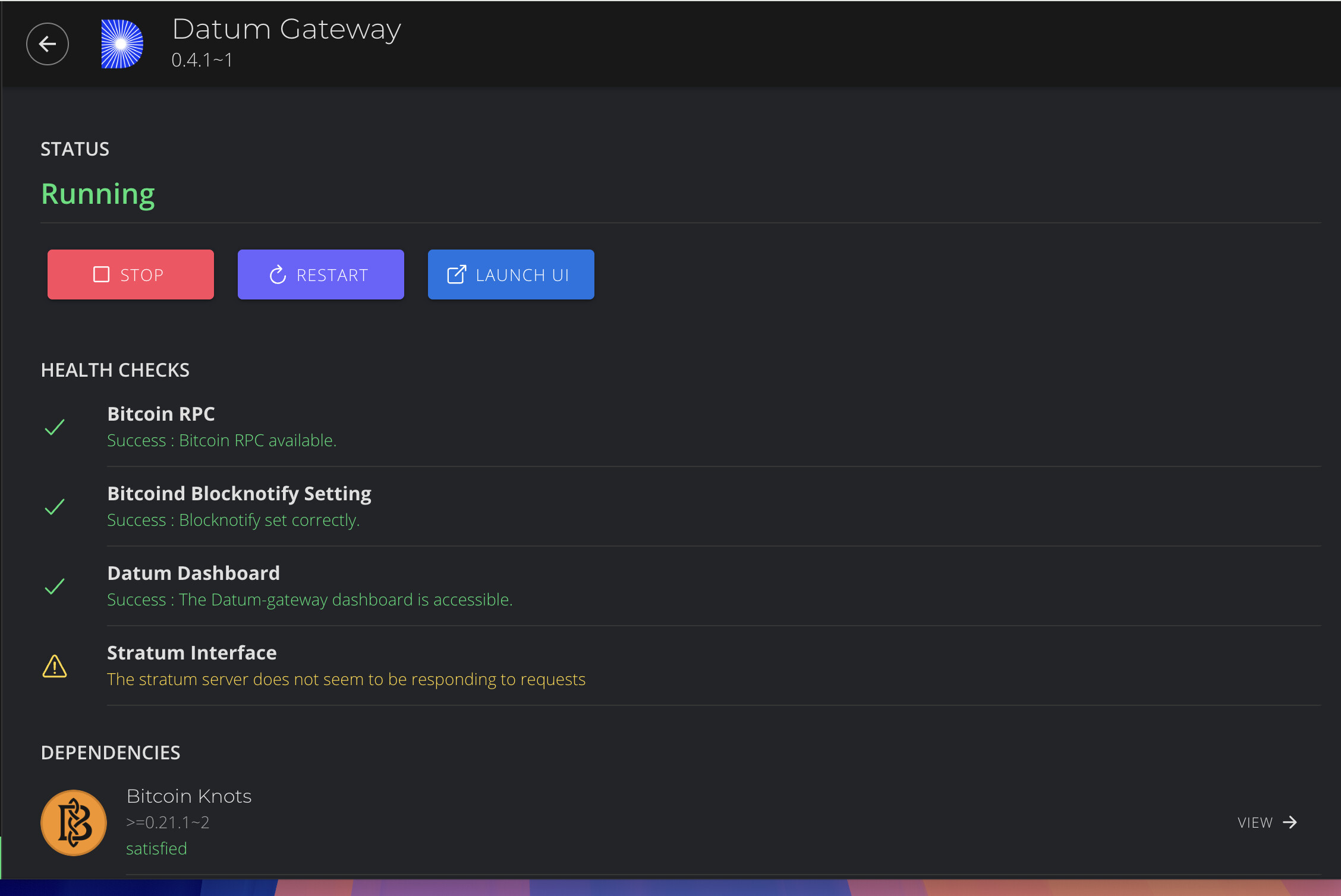
Next, I would check if this is a similar issue to the one that Datum Gateway has when it is installed. Go to the marketplace, look up Knots, and choose “Reinstall” (let me know if the Reinstall button isn’t visible)
Click on Bitcoin Knots in the Community Registry (not Datum Gateway). BTW, you may not have dev tools unlocked (so you wouldn’t see Reinstall). So first you will need to do that (then come back to the community registry and Reinstall Knots). The way you unlock the dev tools is by going to System, and clicking on the “Manage” header 5 times. You should see a toast message that says whether it unlocked dev tools or disabled them. You want them unlocked, so that you will see the Reinstall button for Knots in the Community Registry.
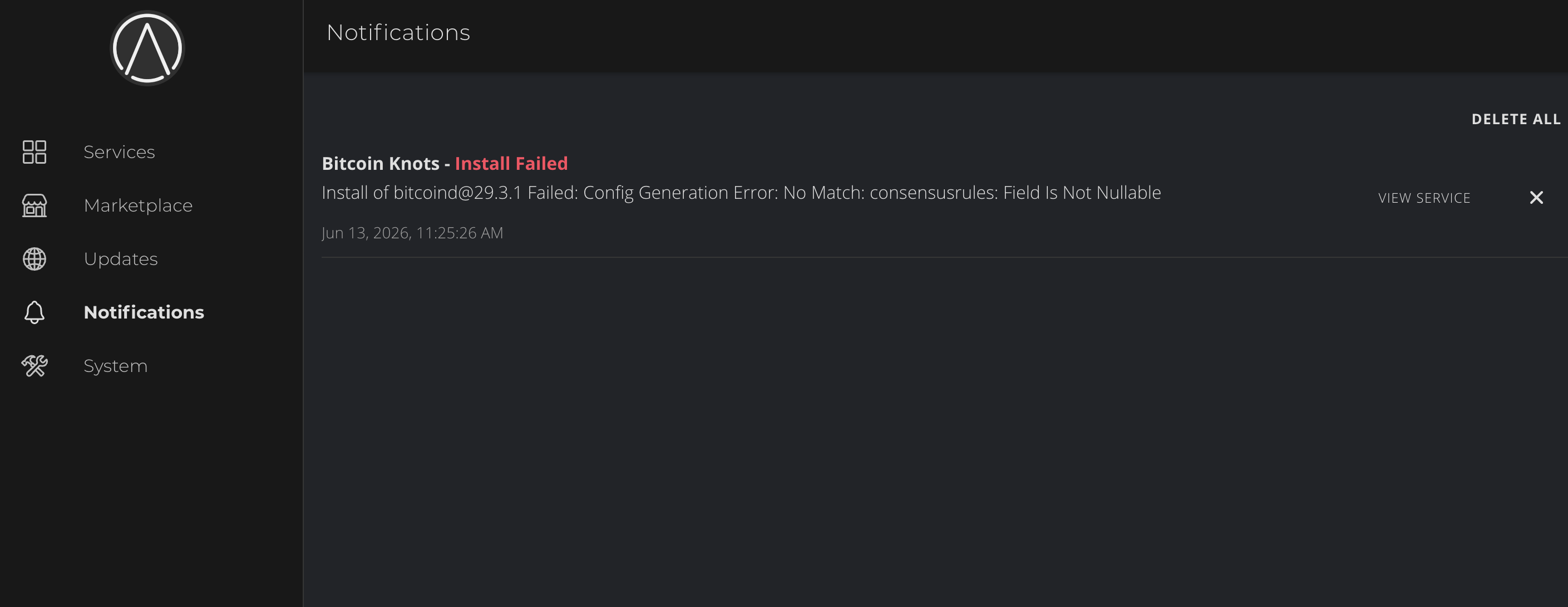
Actually I just realized you were showing the Notifications screen, not the logs. That can be ignored. That notification always comes up when you upgrade to the rdts version of Knots (and you already fixed it by entering “rdts” in the config).
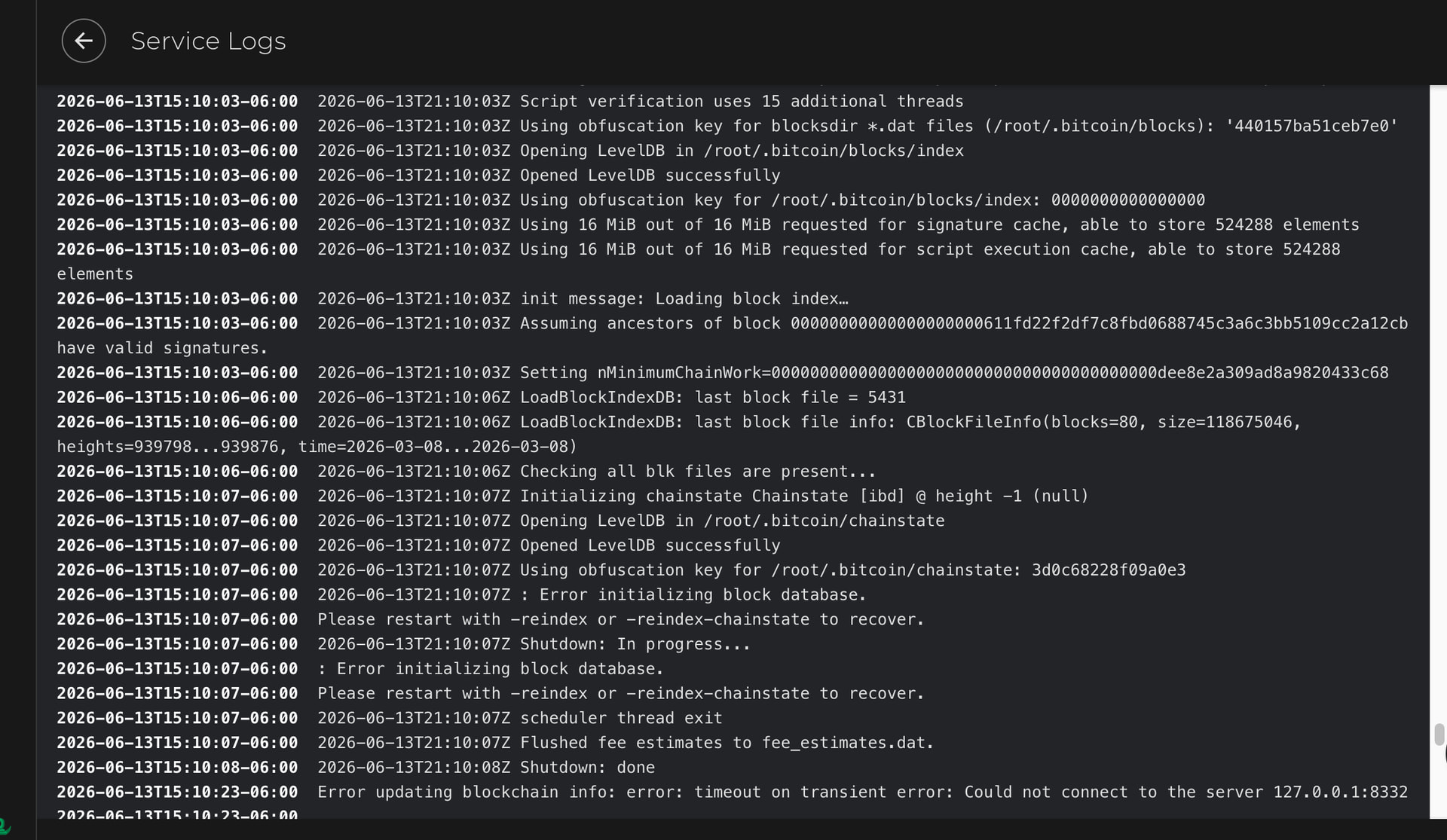
The problem with it restarting is something else. If you go to the Logs for Knots, what do you see?
The error is indicating a problem with the database, and it suggests reindexing to fix it. I would try stopping all of your services, then stopping Knots and rebooting the server. Once back up and running, start Knots again and see if it still has the problem. If so, you will need to reindex (Actions > Reindex Blockchain). You can try Reindex Chainstate which is faster, but I’ve personally never seen that actually work (everyone else who saw this behavior had to run the full Reindex Blockchain). Wait for the reindex to finish completely before starting any of the other services. Electrs will likely also then take a while to catch up (depending on how long the server has been down), so after Knots if fully resynced, start Electrs next and wait for it to also fully sync before moving on to the other services.
The most common cause for this is a power outage, power surge, or the server being powered off improperly. Other less common causes include the power supply failing or the NVMe failing (and some other even less common causes that probably aren’t relevant to your build).
I stopped all services, then I rebooted the server. I started running Knots and it is still spinning and trying to connect. It’s been about 10 minutes so far.