Master, could you please tell me what the problem is with my Start9OS? I keep getting this message whenever I try to update the software. Thank you very much. StartOS Update Failed - Update was not successful because of Filesystem I/O Error: No current.rootfs, not safe to prune
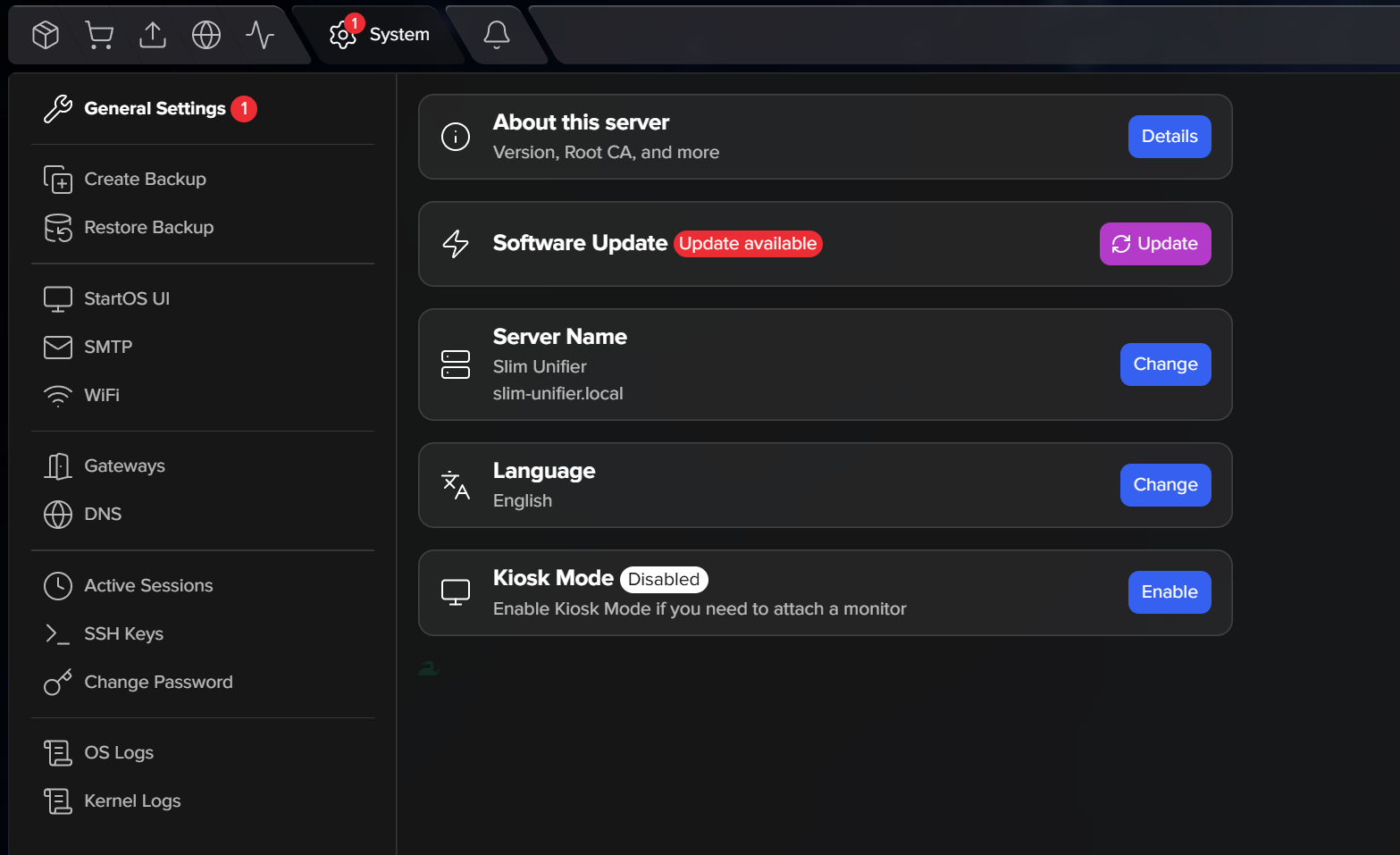
What device are you running this on?
You might try stopping all of your services in reverse order of their dependencies on each other, and then Restart the server from the menu. Once everything is back up and running, see if the update goes through while everything else is stopped.
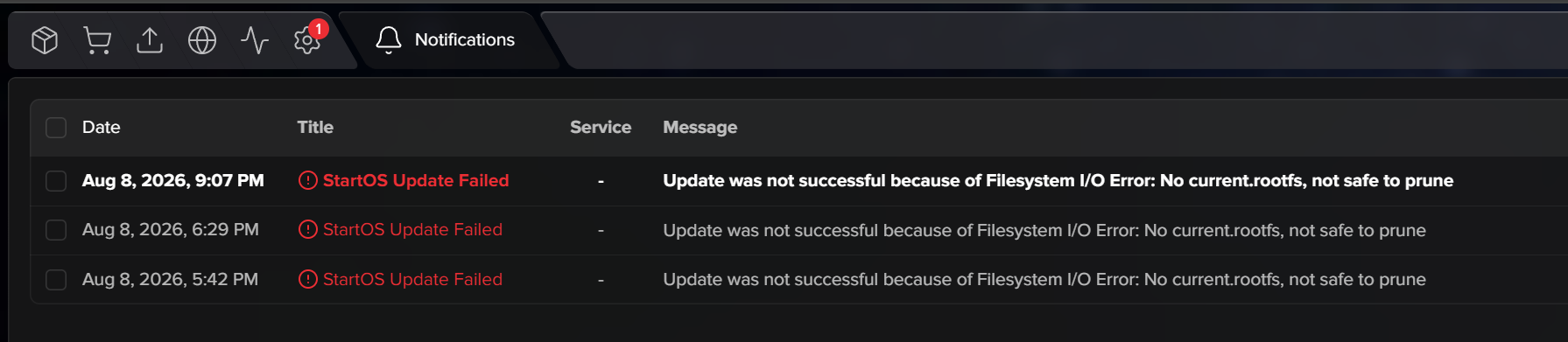
I’ve done it four times with no change; I also asked Gemini AI—I have the Pro version—and we haven’t been able to find the problem. TOR in 10 days on, is Bootstrapping: 75% - Loaded enough directory info to build circuit. Thank you very much for everything, Professor.
I fixed this with Gemini, see below:
What it Means
StartOS uses an image-based update safety mechanism. Before downloading and installing a new operating system release, StartOS runs a pre-check to clean up (“prune”) older system root filesystems from storage.
To safely prune old images, the system checks a symlink at /media/startos/config/current.rootfs to verify which filesystem image is currently running. If that symlink is missing, broken, or unlinked, StartOS triggers a safety guardrail and halts the update. It refuses to delete anything because it can’t guarantee it won’t prune the active OS image by mistake.
- SSH into your server as root or a user with
sudoprivileges. - Run the following command to recreate the missing
current.rootfslink:
sudo ln -rsf “$(sudo ls -t1 /media/startos/images/*.rootfs | head -n1)” /media/startos/config/current.rootfs
- Return to the StartOS Web UI (System → Software Update) and trigger the update again.
Only took a few seconds to fix. SSH at your own risk, etc.
This was after I upgraded from v3 to v4 of StartOS.
"Hi there! Thank you so much for sharing this solution, it worked perfectly for me.
I SSH’d into the server, ran the command exactly as you pointed out, and the system let me apply the 0.4.0.1 update on the first try and in a matter of seconds.
I also really appreciate the detailed technical explanation about the StartOS safety mechanism and the current.rootfs file. It’s great to understand the ‘why’ behind things and to have people so willing to help out in the community.
Cheers and thanks a million again for the lifesaver!
"
sudo ln -rsf “$(sudo ls -t1 /media/startos/images/*.rootfs | head -n1)” /media/startos/config/current.rootfs <<-------- with this.

