Hello,
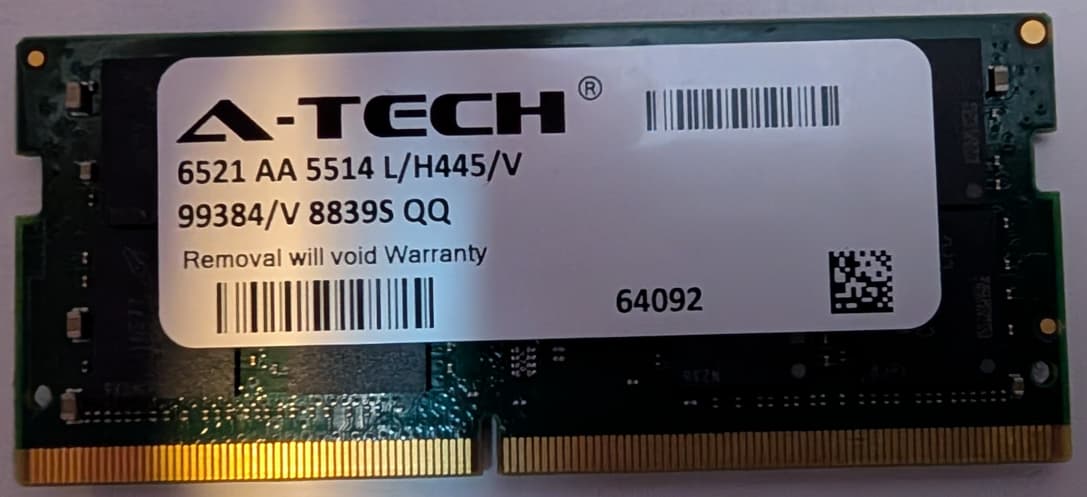
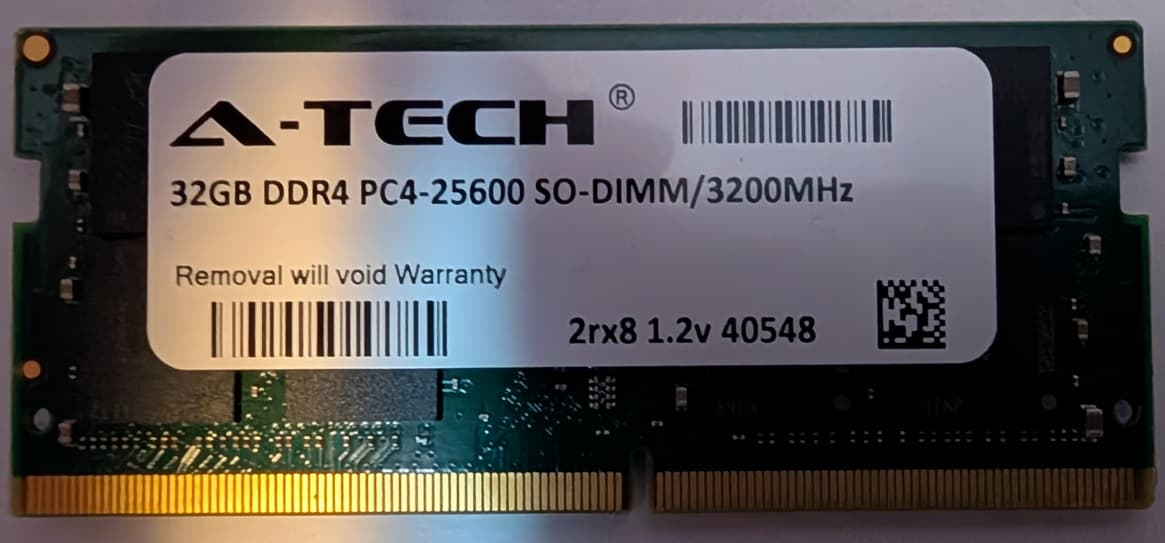
Below is the link to the ram I purchased, but am having troubles with using.
Any help on this issue is greatly appreciated.
Hello,
Below is the link to the ram I purchased, but am having troubles with using.
Any help on this issue is greatly appreciated.
I’ve got one on order. I also have a different A-Tech model (a 16GB one) which has compatibility issues with the GMKTec G3 and G3+, but I didn’t do any further digging to see why (other models with the same specs work fine). I’ll experiment with these some more and let you know what I find out.
I bought Samsung version RAM from A-Tech will see how it goes…
Don’t know if it is “Samsung” or a copy.
it does say Samsung
I have never used A-Tech products.
Keep us posted on how it goes.
I am curious.
I have used Crucial Memory and NVMe drives in all of my builds for the past 2 years. Never had any problems so far… (knocking on wooden desk)
My RAM stick arrived, and I am seeing the same behavior you are. I did a little digging into this, and unfortunately, I don’t think there is any way to make these work. I wish I had researched this before I made the video, as I expect there are other folks who ordered this same model thinking it is the same as the 32GB module that I mentioned that I had tested (since the specs are the same)
It appears that the Intel N100 memory controller is single channel and is only officially rated for up to 16GB, even though many 32GB modules do work. However, it is very picky about which 32GB SO-DIMMs it accepts. Many 32GB modules that use very high-density 16-bit DRAM chips (often organized as 2Rx16) will not let the system start on Alder Lake-N, so the PC never reaches the point of showing any video.
The N100 works much better with true 2Rx8 modules that use standard 8-bit DRAM chips. Some cheaper or third-party “equivalent” modules cut costs by using these high-density chips, so they match the advertised specs on the label (like 32GB DDR4-3200 SO-DIMM 2Rx8) but are internally different enough that the G3’s memory controller and BIOS cannot initialize them. This results in exactly what we’re seeing: no POST, no video, just a powered-on but seemingly dead system.
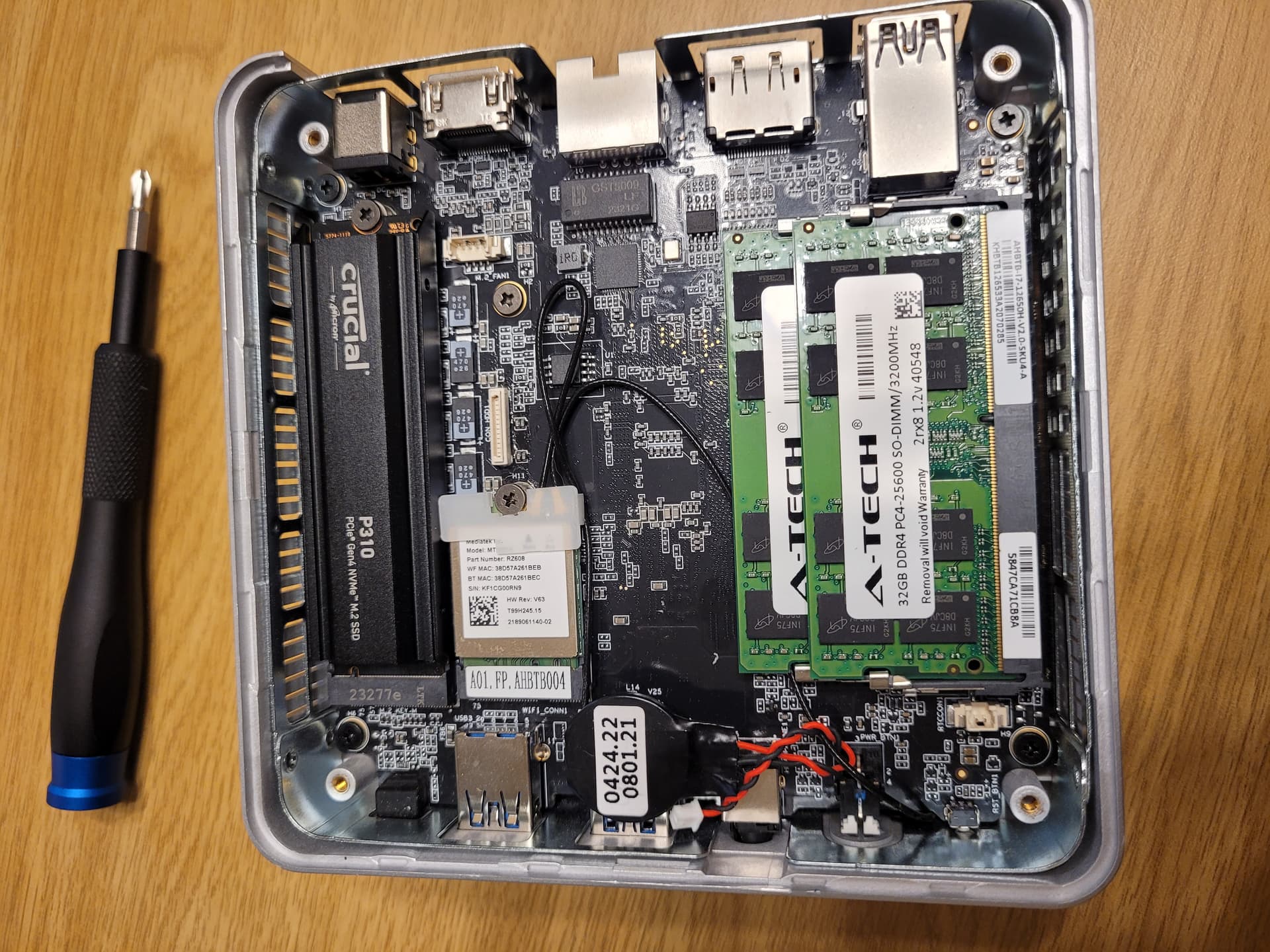
This stick does work in some of my other devices, though, so I am able to use it (just not in the G3). If you live in the US, I could swap with you one of the 32GB 3200MHz modules I have that do work in the G3. Otherwise, you’ll need to return the RAM stick you have (hopefully that is an option) and order one that is known to work, such as this one which I have installed in one of my G3’s.
Or if you can find this specific A-Tech model #64092 it also works. May be difficult since they don’t seem to show pictures of the real stickers in the listings or list the model numbers. I got mine as part of a 2-pack here and guess I was just lucky that it is a compatible model.
–
The actual Crucial CT32G4SFD832A is supposedly also compatible (according to a Reddit post here) as well as the Kingston KF432S20IB/32, though I have not tested either of those myself.
Thank you for the help sir. I have no experience with building PCs so I likely would’ve not figured that out on my own. Thankfully, I am able to return the stick to A-Tech. Would you be willing to resell me one of your spare 32GB?
Sure, I’ve got some extras. Just DM me your shipping address.
BTW, if anyone else finds themselves in the same predicament, I’ll sell or swap for a working RAM stick as long as you are in the US.
It appears I’m unable to send DMs. Can you initiate the chat?
Ah, yes, sorry, I forgot that discourse requires a certain amount of reputation to initiate personal messages. I sent you a chat.