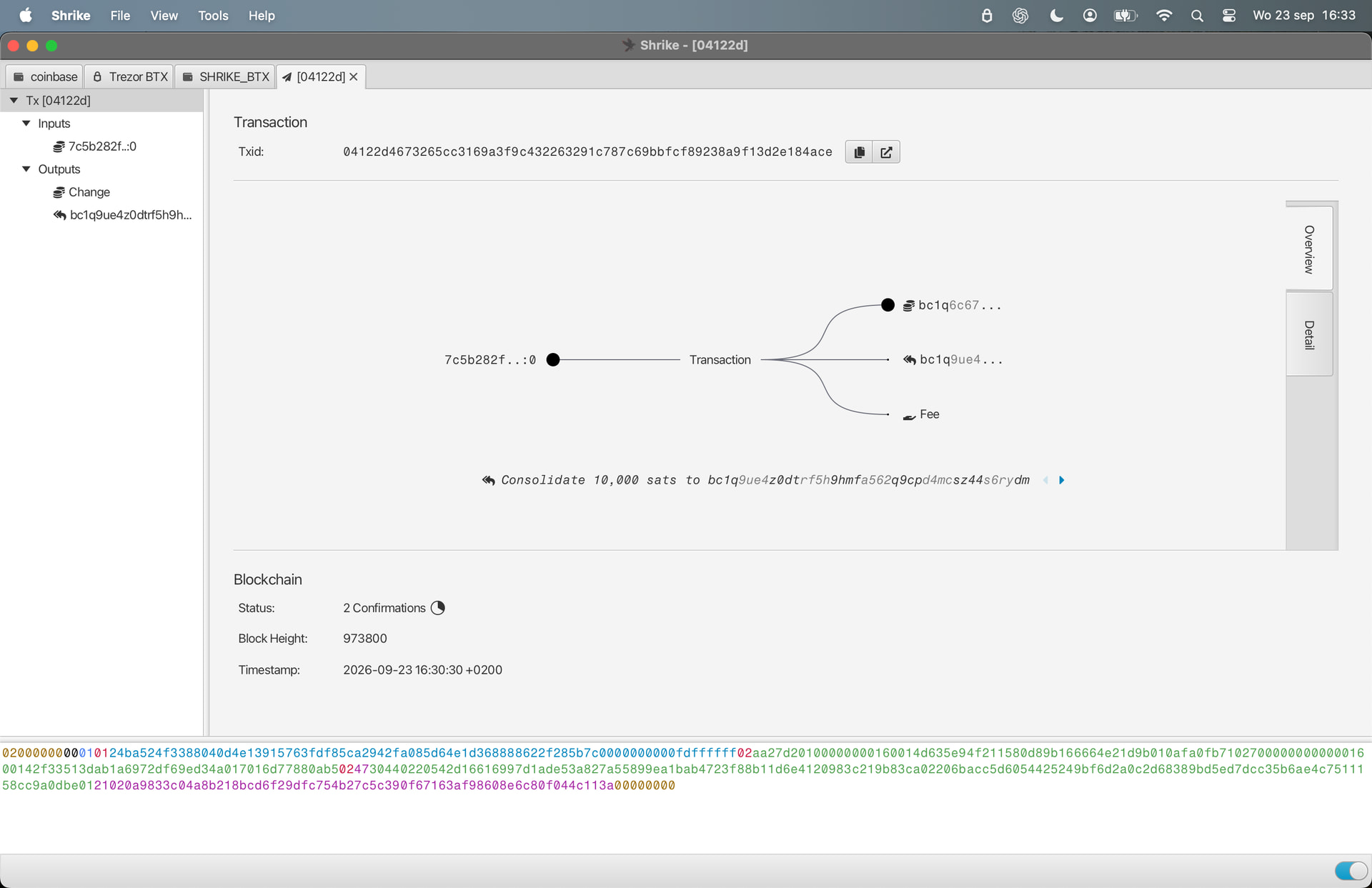
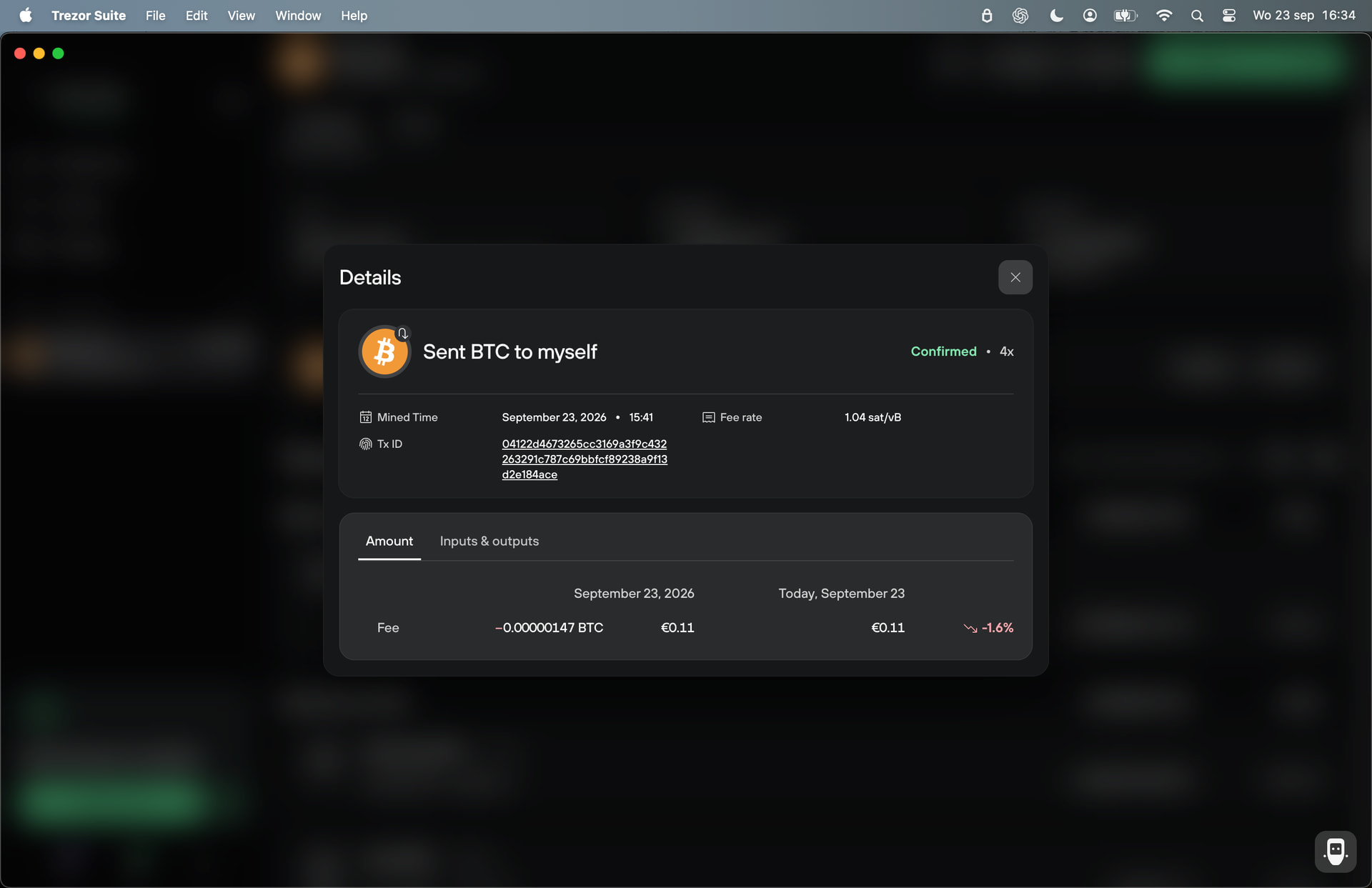
We have some SATS BTC from before the SHA256/BLAKE2b fork.
Now we want to move the corresponding XBT on the new BLAKE2b chain to an XBT wallet, while leaving the original BTC on the SHA256 chain completely untouched.
What is the recommended and safest procedure to do this with proper replay protection?
The BTC is currently held on a Trezor, and I have Sparrow and Shrike available.
Send a small amount from your Trezor to the new hot wallet (something insignificant, not dust, but no need to risk anything here)
Send everything from the hot wallet back to the Trezor, with unified sighash selected (make sure it shows Replay protected). (Note: when I say “everything” here, it should only be a small amount of sats if you followed #2)
Now do a consolidation transaction in your Trezor, combining the replay protected UTXO you just sent to yourself with any other UTXOs that you want to also be replay protected.
Do this for the entire stack (either all in one go, or break it into differently sized UTXOs as you prefer). Once completed, the link between the two chains will be broken, so whatever you do on one chain will no longer replay on the other chain.
it sounds easy and it is for a more tech advanced but we face many challenges. :Luckly we only lost in the woods with a small test amount. AI also helps but leads you all around wich makes it more confusing. Step 1 and 2 is no prob. but step 3 is worse. Trezor did not show the returning sats because of the BTX utxo? Now with the help of Sparrow we find the sats back and can send it back to the sha256. Yes we are in another rabbithole. Sparrow has another problem reloading the utxo history. It takes a long time by our electrs server connection. But sorry for this confusing message. I will come back with more clear details. As long as it is fun with this small test amount it is okay.
yes we did use the suite without the sparrow/ shrike. for today it is enough. I go for a walk with my dog. tommorow will continue. it is late afternoon now in Utrecht NL. Thanks Paul
Paul, we’re at step 4 with the Trezor connected directly to Shrike.
I selected the 29,890 sat replay-protected UTXO + a small 30,037 sat pre-fork UTXO for a test consolidation.
Shrike shows “Not replay protected” before creating the transaction. Trezor is on stock firmware.
Is this expected for your consolidation method, or should we NOT proceed? <image redacted for privacy>
This is expected. Shrike doesn’t check if any of the inputs are already signed with the new method, only if the current transaction is. No issue in this scenario, because since one of the inputs is not known on the other chain, the whole output will also not be known on the other chain.
If you want to be sure, though (probably wise to double-check anyway) wait for this transaction to confirm. Then go back to normal Sparrow and make sure you do not see this transaction (if you do, then it was replayed, meaning something went wrong in the process). If it looks good, send a small amount on the original wallet to yourself. Then hop back over to Shrike to confirm that nothing changed.
Quick update: the consolidation test worked as expected. The transaction using the BTX-only protected input + a shared UTXO confirmed on BTX and did not appear on BTC.
We then did your reverse check: sent 10,000 sats to ourselves on BTC. That transaction did replay on BTX — same TXID, same outputs/change. So the shared coins simply moved on both chains.
I was a little confused by “check that nothing changed” in Shrike. Did you mean that the already split BTX output should remain unaffected , rather than that the BTC test transaction itself should not appear on BTX?
I think the key distinction is the anchor UTXO . Without the BTX-only anchor, the BTC transaction simply replayed on BTX as expected. With the BTX-only anchor included, the consolidation could only exist on BTX, creating the split. So I think we’re actually seeing exactly the intended behavior.
Step 4 assumes you included a replay protected UTXO to consolidate everything in the original wallet into one new output UTXO, or that you repeated the process until all remaining UTXOs in the original wallet are outputs of transactions which had a replay protected UTXO in their input. If this process was done, then nothing you do in the original wallet on the SHA256 chain should replay on the BLAKE2b chain. Since it did, it means you still have UTXOs in the original wallet which are not replay protected.
I recommend going back and repeating steps 2-4 until all UTXOs in the original wallet on the BLAKE2b chain have been replay protected by combining them with a small replay protected UTXO. Then repeat the test to make sure nothing shifts on the BLAKE2b side.
I may have messed this up and looking to see if I can get some guidance. I sent 100K sats from my Sparrow SHA256 wallet to my Sparrow B2B wallet. Then sent the 100K sats as a unified sighash transaction to a separate wallet in Sparrow B2B. Consolidated the UTXOs (both replay protected and non-replay protected) back to the same wallet. I have ended up with the correct balance in Sparrow B2B and 100K sats missing from the Sparrow Sha256 wallet. Hot Wallet has 0 sats. Any idea where the 100K sats could be hidding? Thanks for any guidance.
The terminology is a bit difficult to follow, since wallets are separated by seed phrase/passphrase and exist on both chains. For the sake of clarity, I’ll rename these wallets with the understanding that each wallet exists on both the SHA256 chain and the BLAKE2b chain. So for this step we have:
I sent 100K sats from Wallet A to Address 1 in Wallet B
Next:
Becomes:
Then sent 100K sats from Address 1 in Wallet B to Address 2 in Wallet B using Unified Sighash
This step should have replay-protected the 100K sats. Did you see “Replay protected” appear in the UI at this step? At this point you should have:
Wallet A
0 sats on SHA256 chain
0 sats on BLAKE2b chain
Wallet B
100K sats on SHA256 chain in Addrfess 1
100K sats on BLAKE2b chain in Address 2
Becomes:
Then sent 100K sats from Address 2 in Wallet B to Address 3 in Wallet B using Unified Sighash
Now we have:
Wallet A
0 sats on SHA256 chain
0 sats on BLAKE2b chain
Wallet B
100K sats on SHA256 chain in Addrfess 1
100K sats on BLAKE2b chain in Address 3
Becomes
I have ended up with the correct ballance in Wallet B, and 100K sats missing from Wallet A.
And so:
They should be in Wallet B Address 1 on the SHA256 chain. This sounds weird in your terminology, but if you are lost here as to what is Wallet B – the missing sats should be in your “Sparrow B2B wallet” on the SHA256 chain – you’ll need to load that wallet into normal Sparrow to access them.
LOL. I want to try that one day. KISS. Keeping it simple, like sending only the Blake2b sats from the old chain (BTC) into the Shrike (Blake2b) wallet XBT chain. It sounds a bittoo complicated.