Just reporting my first “Deposit flagged for compliance review” warning with Agent Wallet. Braiins must be in a bad mood today.
1 Like
Did you check the box under “Advanced/having trouble” called “Open a channel instead of a swap”? I just want to confirm that this is the first data point that I can link to that option (and not to the issue that Boltz is having with BTC > Lightning swaps)
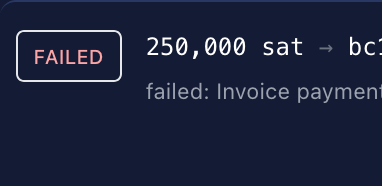
I didn’t use the on-chain option. I had sats in the lightning wallet and just sent payment from the lightning channel. The swap work fine to onchain and deliver but I notice that Agent said the LND node failed (red letters). Right then I suspected a problem. The LND node was running and didn’t have a problem - I checked and could manage lightning via my Alby hub with no issues -
I have made 4 successful deposit with no problems pulling sats directly from the lightning wallet. Like I say…first fail.
I’ll give it another go right now and see if it works and report back
If there are the same issue again I’ll snag a screen grab and show the error. I didn’t do that the first time.
1 Like
The LND connection failed is “normal” (i.e I know about it, but it does need to be fixed). I have some logic in place that should self-heal that state after some time when it happens, though the fastest solution is to stop Agent Wallet and then restart it.
The lightning source ending up in manual review is concerning (this is the first time I’ve seen it). Did you use the option to include extras, or put in a round amount exactly?

Could be. What does your outbound capacity look like?
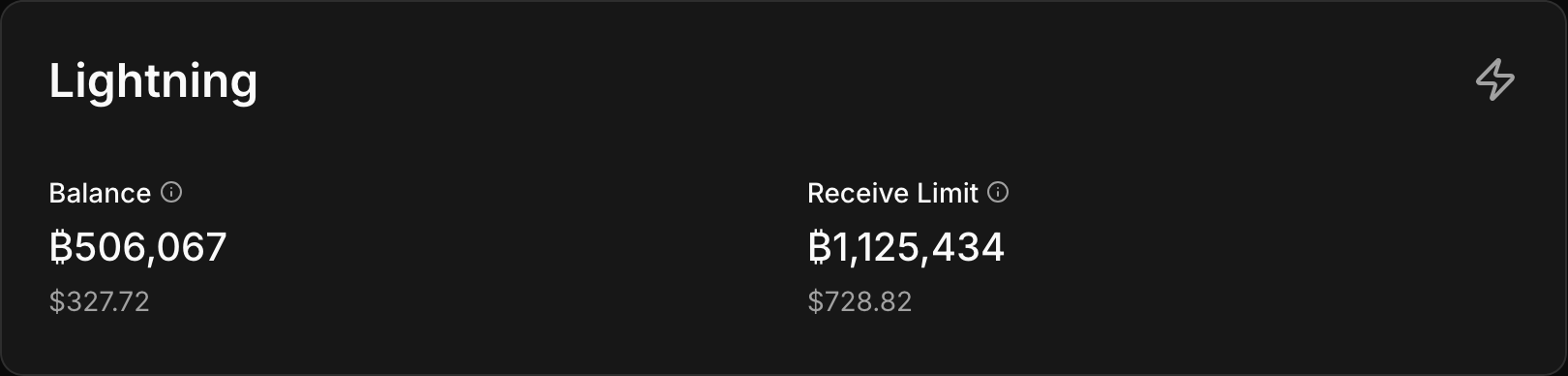
usually runs at…750000 balance - 1,000,000 receive
Guess Ill have to do an onchain process instead
Captured the error this time
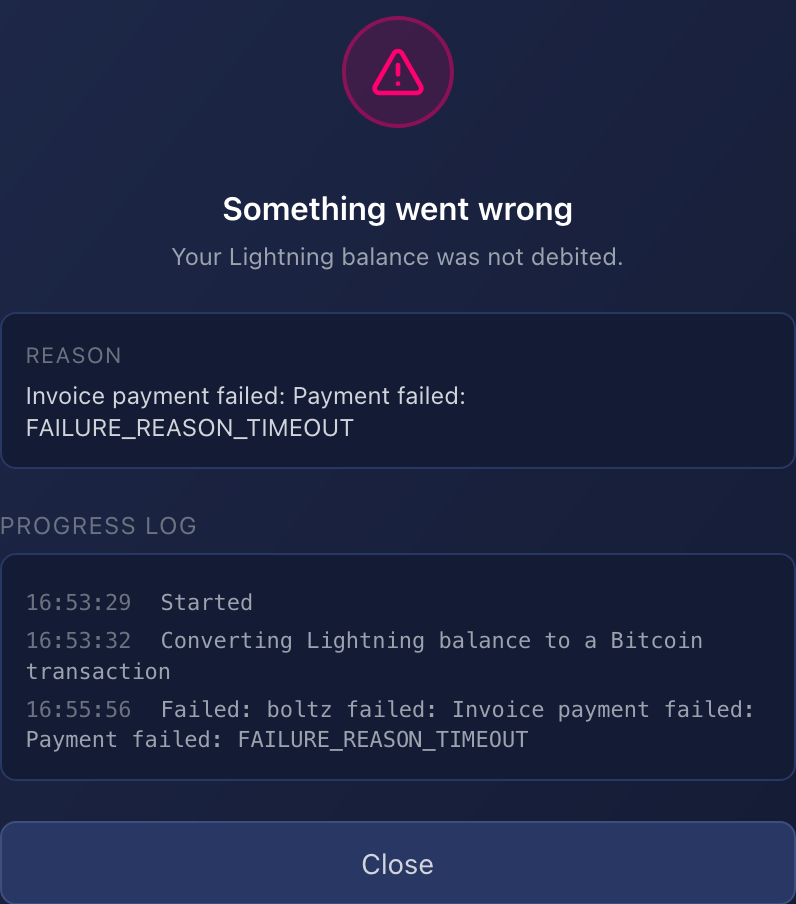
Yes…I used include extras
Do you have a diverse set of channels, or just one?
For the past few months just Megalith LSP. Has been working flawlessly…until today.
Ill Dm you my channels -
Hey Paul. Just getting starting on playing with this Wallet on Umbrel. I’ll provide feedback as soon as I have. So far, I’m loving the interface and hand holding it provides to get LDN channels setup.
2 Likes
Hey Paul. I’m loving this. Looks so easy to use.
I have opened 2 channels - one to a CLN node I had running and to 1 recommended on the app. All good there.
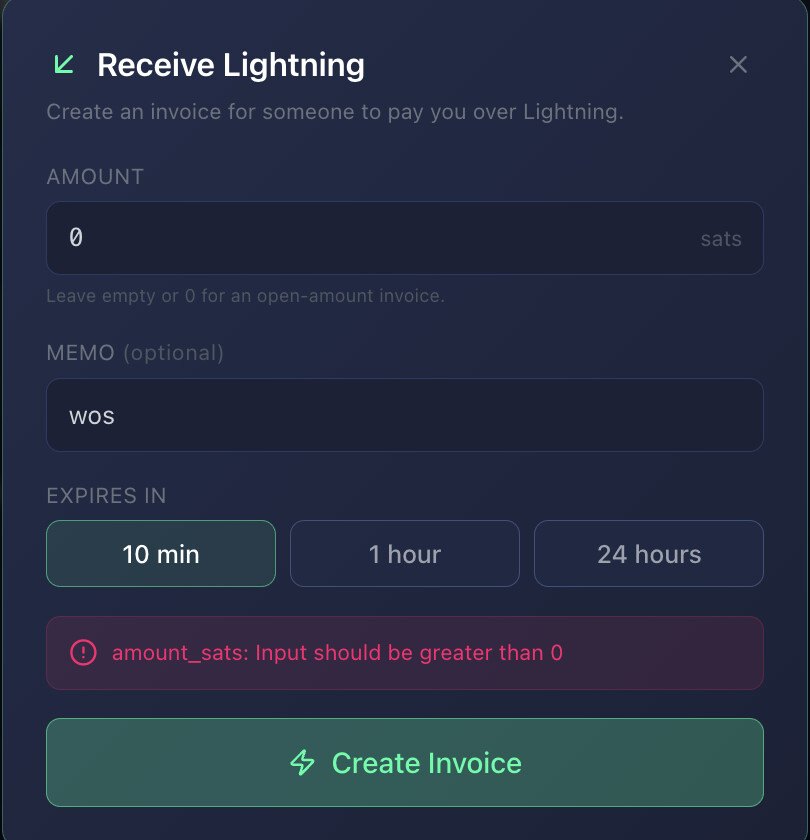
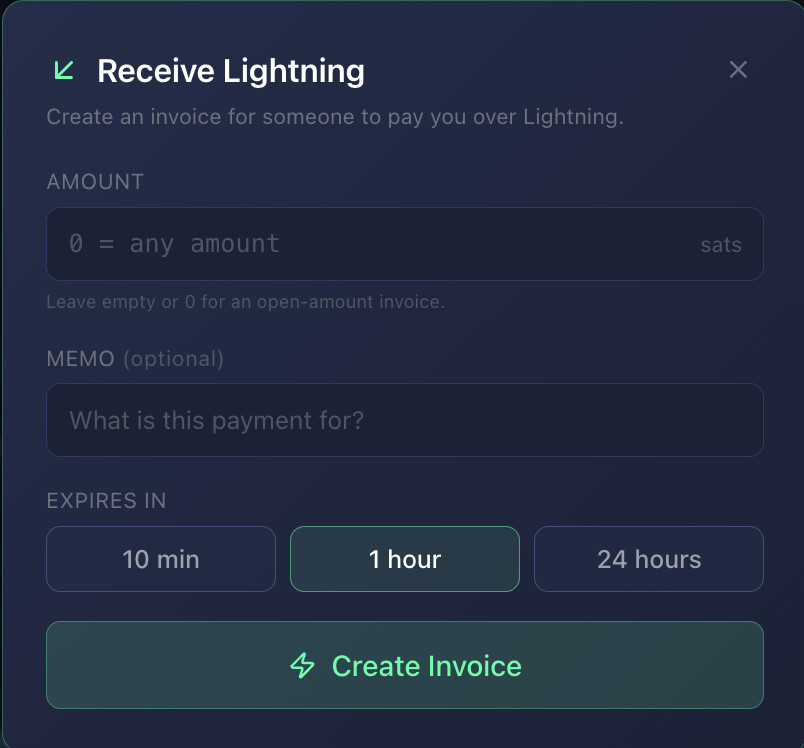
When I try to create an invoice, I’m setting the invoice amount to 0 (to try an open amount) but it won’t allow me to continue (see attached). I need to specify the amount. 0 isn’t allowed.
Also, when I pay an invoice, the suggested fee is always too small (100 is the default) I set it higher, and it works. Can this default be set higher?
I’ll keep poking and prodding. I’m looking forward to trying out the balancing and Bolt12 offer.
This is a very complete wallet. Way beyond what is currently out there!
1 Like
Open amounts can be done with Offers rather than Invoices. The main difference between Offers and Invoices is that an Invoice can only be paid once, while an Offer can be paid multiple times. The word “offer” sounds a little counter-intuitive, but I think it comes from some of the other functionalities that BOLT12 brought (I’ve only scratched the surface on this functionality – there is a lot to learn in Lightning).
1 Like
yeah, there’s so much to learn. Hats off to you! Honestly!
So yeah, my understanding is the same. Invoices for single once off and offers for multiple payments. However, I guess the UI is confusing as it says leave at 0 for an open amount. Not really a functional bug - but just UI cleanup.
I’ve just created a bolt12 offer, so lets see how that goes.
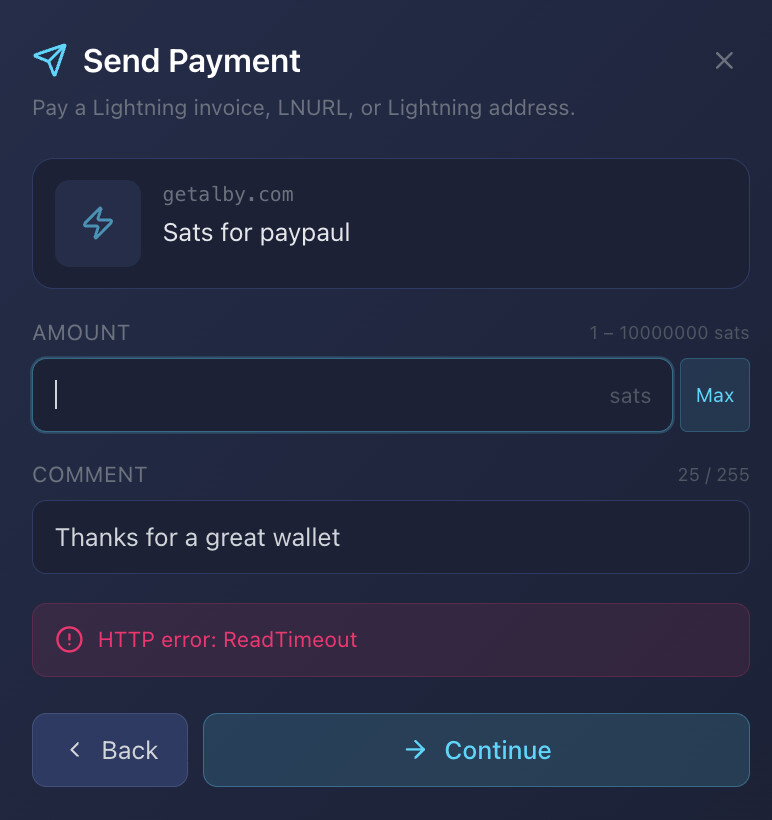
also, buying you a coffee results in a HTTP error - I guess it’s your alby server. ( I deleted the amount I was sending from the screenshot for privacy)
Good catch. I think I was originally going to allow leveraging BOLT12 from there. I’ll look at that.
Yes I have to restart that dumb thing frequently to keep it working. Once I figure out how to connect DNS records to my Start9 server I can ditch Alby.
Anyway, it is restarted. Hopefully working now (of course you also need the check how much outbound liquidity you have for that coffee feature to work)
3 Likes
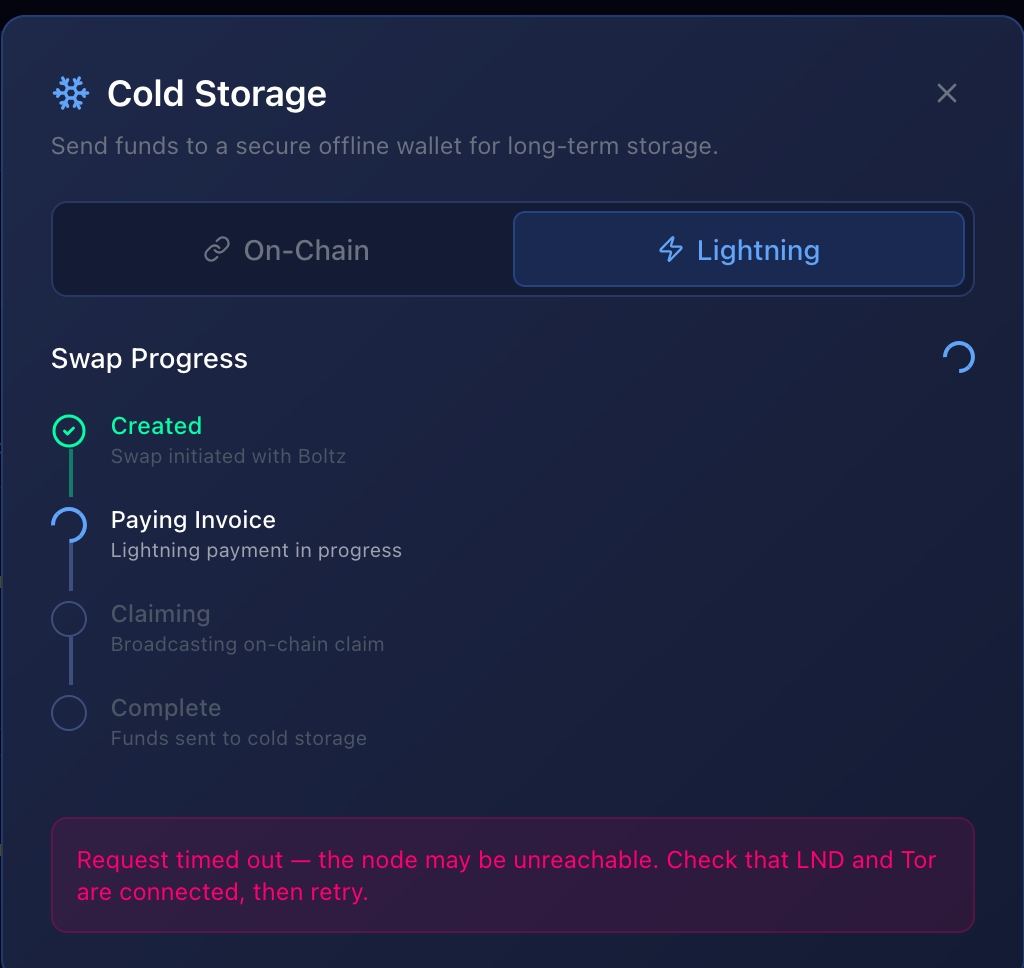
Just reporting. I know there are more pressing things to get to but this is for future : Still getting the LND timeout error…although payment was initiated.
Agent Wallet ver 0.4.18-1
1 Like
Hey Paul,
Quick question on the Agent wallet and Bolt12 offers:
I’ve setup the bolt12 payout with Ocean through the wallet.
I’m seeing this on the Offers tab:
“Inbound payouts only arrive while the gateway is online.”
Is this the LND gateway, or the wallet itself? I believe bolt12 isn’t native to LND, so does this mean the wallet must be running to receive the bolts12 offer from Ocean?
Thanks!!
Correct, the Bolt12 functionality is bolted on (pun intended) by Agent Wallet. So it needs to be running. Also note that the offer leverages the current channels at the time it is created. Any time you change your channels, it is a good idea to mint a fresh offer and add it to Ocean. There may still be areas to improve on this (for example, I am currently looking into an issue where if there is a large payout and plenty of inbound but spread over many small channels).
1 Like
Hey Paul, I know it’s hot off the press, but is this wallet using Boltz for swapping onchain and off chain, and can a different provider be integrated?