Rebooted the Router, no difference. The sideloading always fails when this progress bar gets close to 40%. Not sure what’s going on but I might try upgrading StartOS without updating Knots past 29.3.0 to see if that goes anywhere.
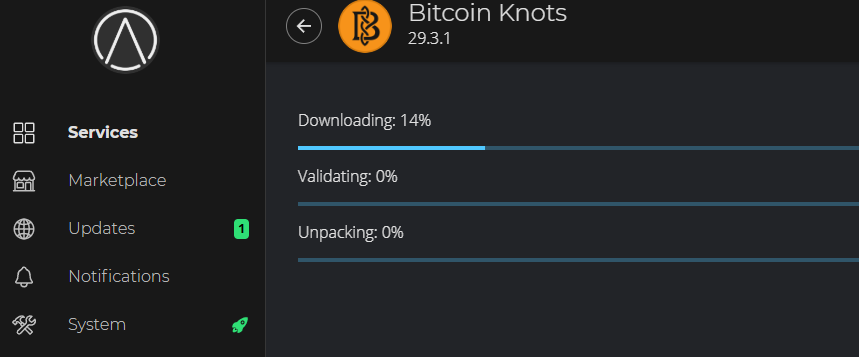
Check the free space on your drive first. I think upgrading could be risky. Make sure you make at least one backup (two if you are able, just for redundancy) if you have anything important on there (like Vaultwarden, lighning channels, etc)
Problem: Following Paul’s video everything went as expected until minute mark 18:20. At this point, the version of Knots offered on my DYI StartOS is 29.3.0 Released: Feb 17, 2026 versus Paul’s video showing 29.3.1 Release June 4, 2026. I am offered the choices VIEW INSTALLED or DOWNGRADE, not REINSTALL as shown in the video. BTW my current version is 29.3.1, the one side-loaded earlier in the video. Should I just go forward, and recover from backup if things break when upgrading StartOS?
1 Like
Downgrade is the correct option. I helped someone with the same situation. Just make sure you refresh on the marketplace page to show the latest version (this is the one Start9 has published, presumably since the other version is stuck). The rest of the video should work as expected.
Remember to switch to the pre-RDTS version of Knots once you have upgraded to 0.4.0.1, before starting Knots again.
Thank you for the very fast reply. I will follow your instruction. However, I’ll say it seems counter intuitive to DOWNGRADE to 29.3.0 Released: Feb 17, 2026 when in your video you UPGRADE to 29.3.1 Release June 4, 2026, especially since we both started from the same side-load version.
The side-loaded one may not have whatever mechanism that Start9 put in place to support the migration from the old app framework to the new one. I don’t know how it is written, but it is possible that the requirement isn’t just to have the latest version per-se, but that it should be the latest version in the registry, if that makes sense. Without knowing how this is designed under the hood, I wouldn’t trust that a side-loaded package has the necessary components in place, so it is safer to use the one in the registry instead.
I DOWNGRAGED to Knots 29.3.0, as you instructed. After install, StartOS showed an available UPDATE for “Bitcoin Core” 29.3.0 to 29.3.1. Seeing a Bitcion Core update was a surprise. Maybe StartOS labeled it Core instead of Knots by mistake; after all, 29.3.1 is a Knots version number vs Core v31.0. Should I UPDATE to “Bitcoin Core” v29.3.1 as shown on my StartOS? Quotes added for emphasis.
No, you should do an update for “Bitcoin Knots (pre-RDTS)” (in the marketplace, under the Start9 registry). Let me know what button you see (it will probably either be “Switch”, “Update”, or “Install”)
In Marketplace/Community Registry I select Bitcoin Knots and it shows 29.3.0 with options to VIEW INSTALLED or REINSTALL.
Bitcoin Knots should not be in the Community Registry for 0.4.0.1. It should be in the Start9 Registry. Are you still on 0.3.5.1?
Yes. I am still in 0.3.5.1
Ok, then you are on the correct version of Knots. You do not need to upgrade to latest Core (0.3.5.1 cannot tell the two apart – this is fixed in 0.4.0.1)
Ok. Then I will proceed with System/Manage/Software Update?
Yes, if all the other services are also on their latest version, then you are good to upgrade. Make sure you have created at least one backup, just in case you need to roll back if there is a problem.
Yes. All services that were not uninstalled are updated. Backup is in place. Upgrading to 0.4.0.1 now
Thank you so much. You are the Man!! Upgrade to 0.4.0.1 went smoothly. Installed Knots (pre-RDTS) before starting.
I have upgraded my StartOs to version 0.4.0.1 via sideload, but the display blank in its marketplace (both Start9 Registry or Community Registry). I wonder what is going wrong & what to do to solve it. Kindly advice. Thanks in advance.
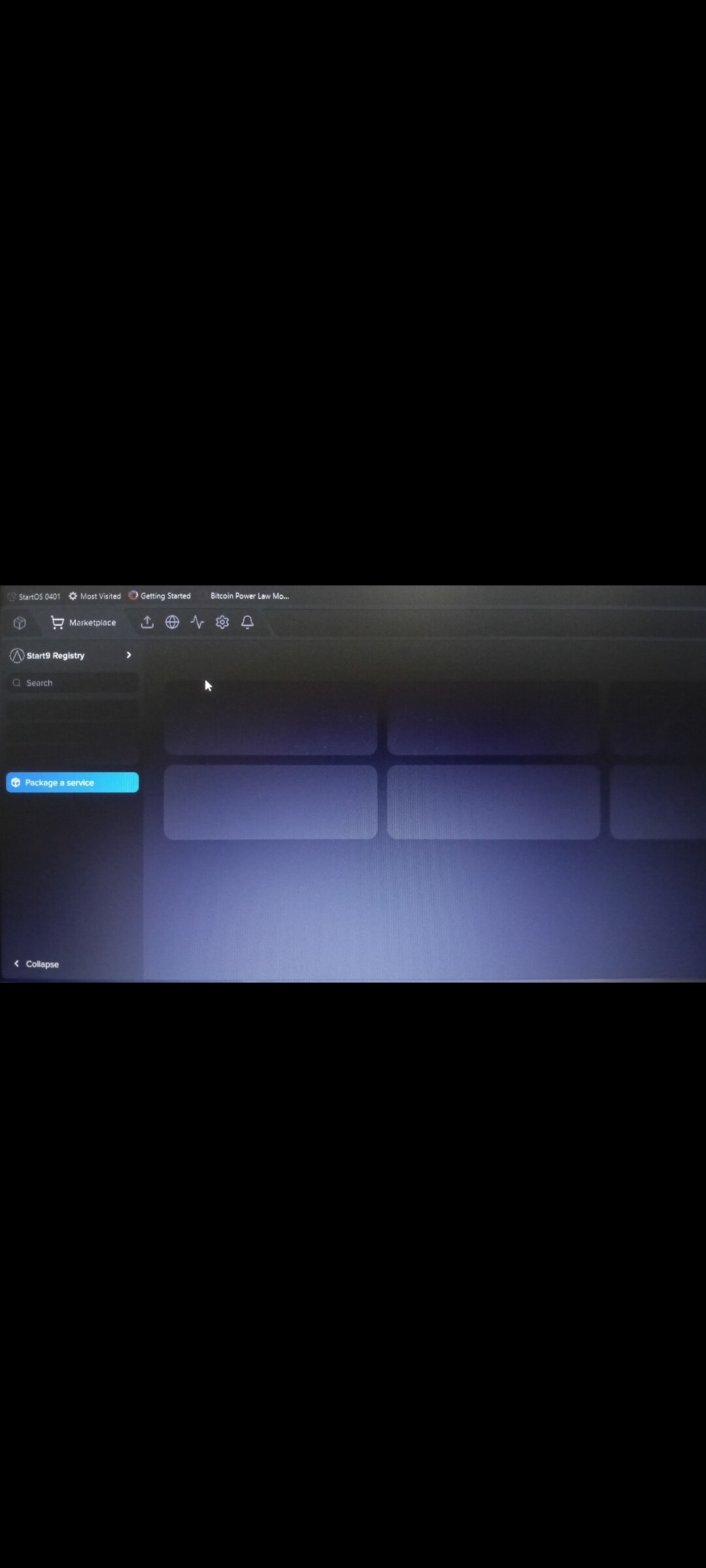
I would start by doing a hard refresh (check the hotkeys for your browser/OS, might be “Ctrl+Shift+R”)
Try loading it in a new incognito tab.
The other thing to rule out is a temporary outage on the Start9 servers. Try adding my registry (which runs on my own server, so not tied to Start9’s servers): https://start9.paulscode.com If it shows the same problem, then we know it isn’t a problem on the Start9 side.
It’so strange that just now the marketplace suddenly have the services appears just once, but after close and open again, it still can not.
I have re-tried the hard refresh and incognito, but still can not.
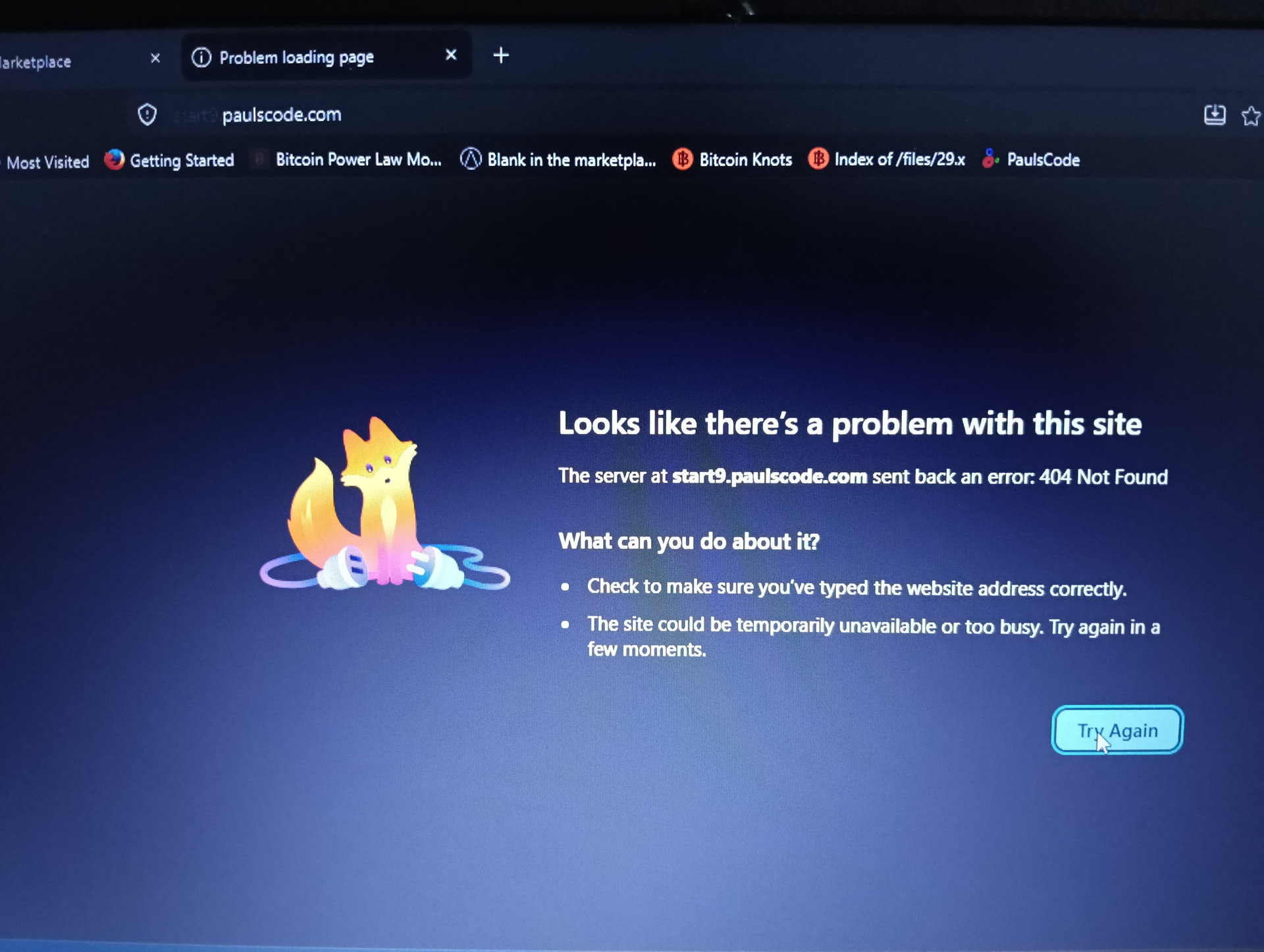
Then I try to click and open your given link (your registry which run on your server), and there is notif (as the photo attached).